

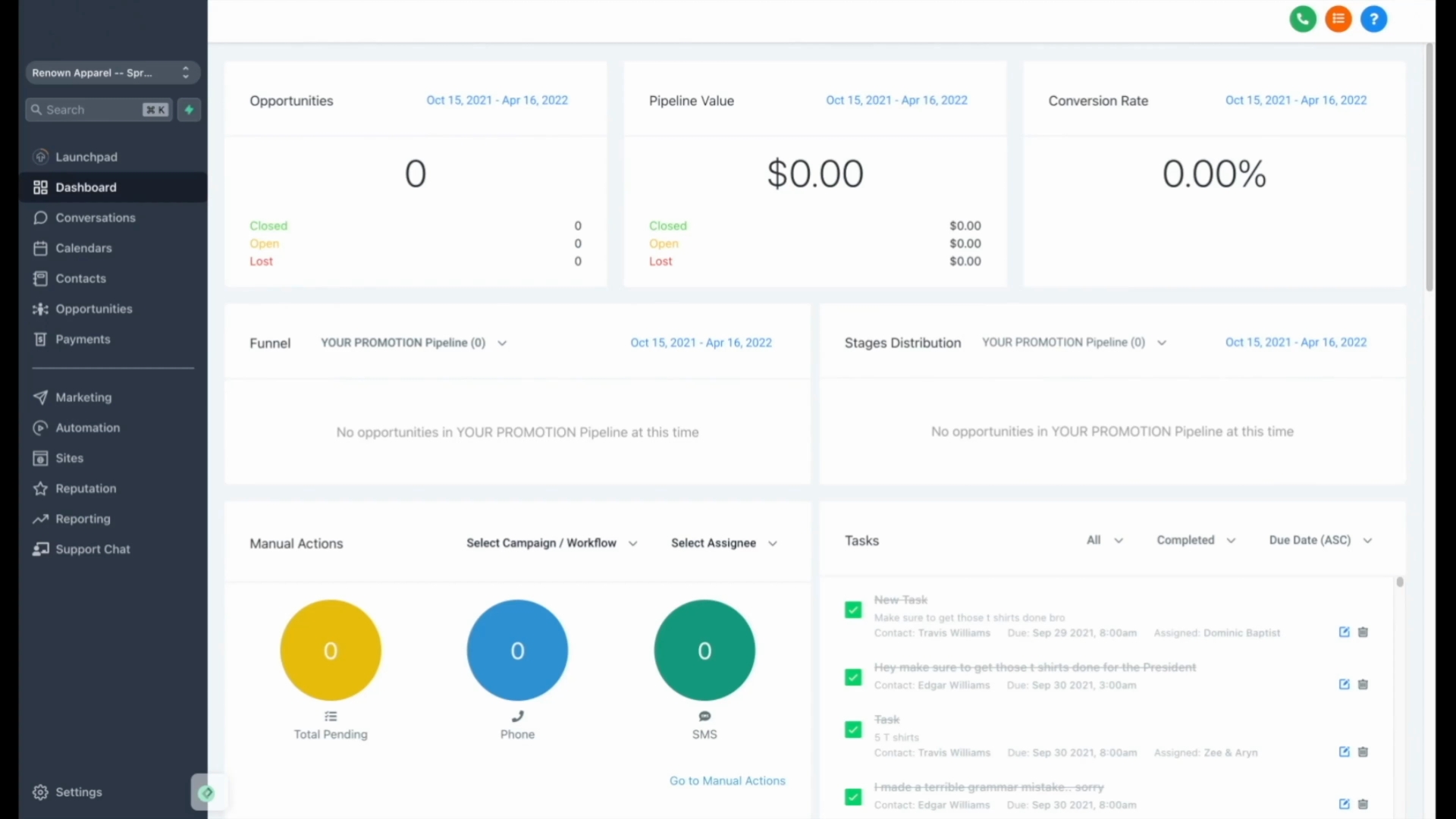
Let's explore the Automations tab, where you can create various automated processes tailored to your needs.
This includes follow-up campaigns, automatic texting, automatic emailing, and notifications for your employees and users when certain events occur.
Every automation starts with a trigger event, typically initiated when a customer submits a form with their name, number, and email.
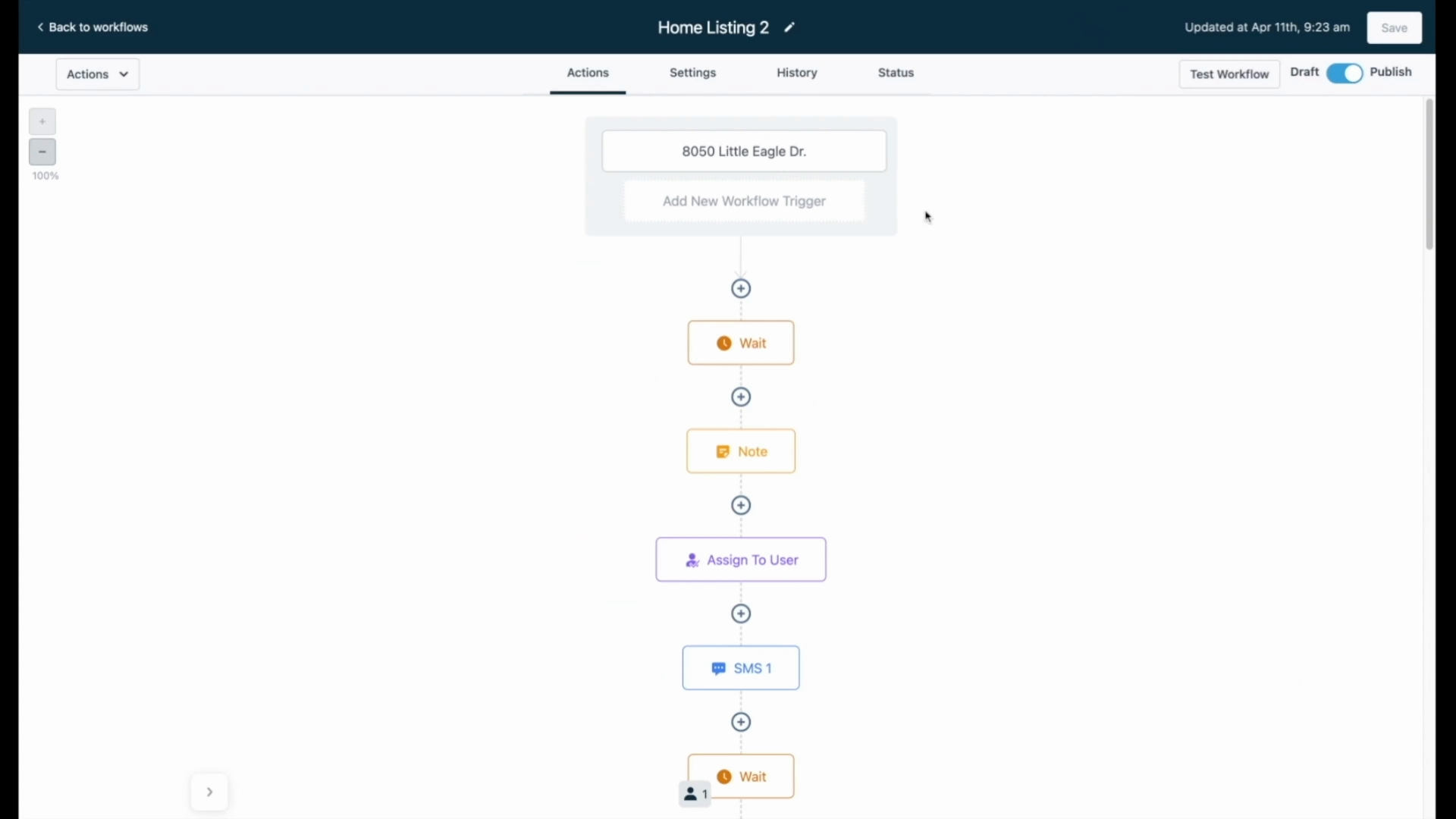
After a form submission, the next step is to assign the lead to a user, which can be an employee, a real estate agent, or the business owner themselves.
Subsequently, an automatic text message is sent to the lead.
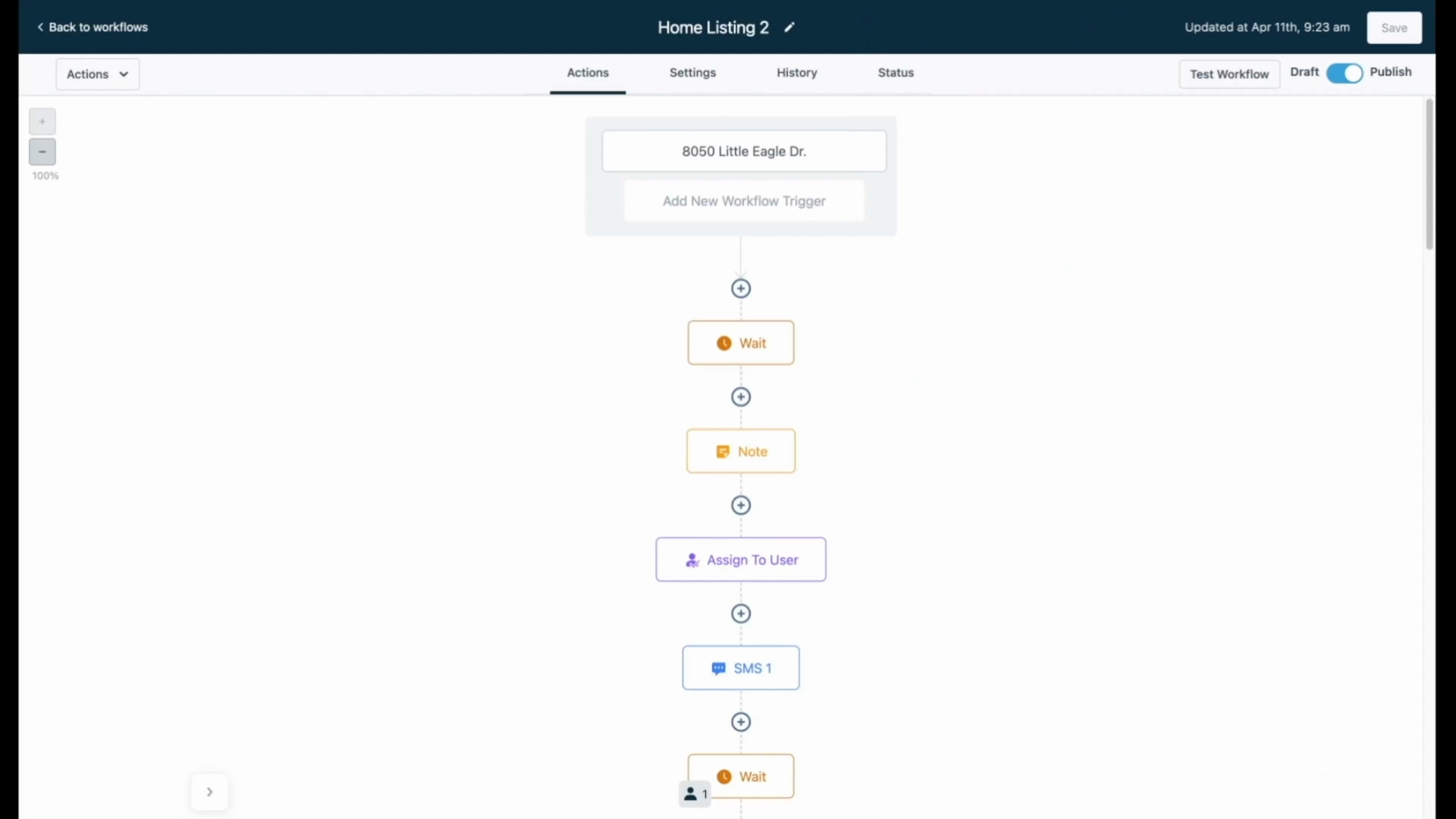
The automatic text can include personalized details, such as the customer's name, and inquire about their interest in viewing a property.
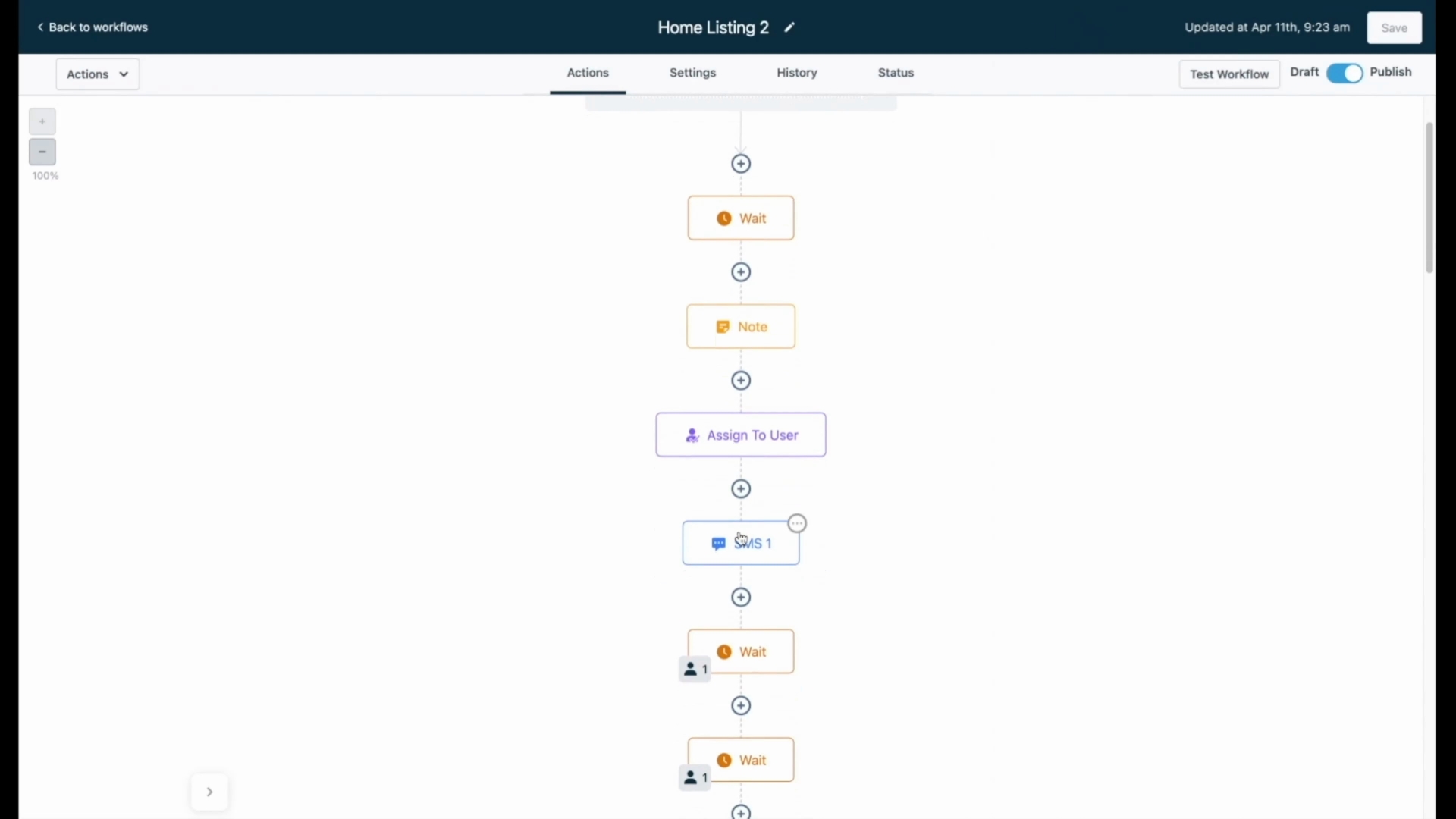
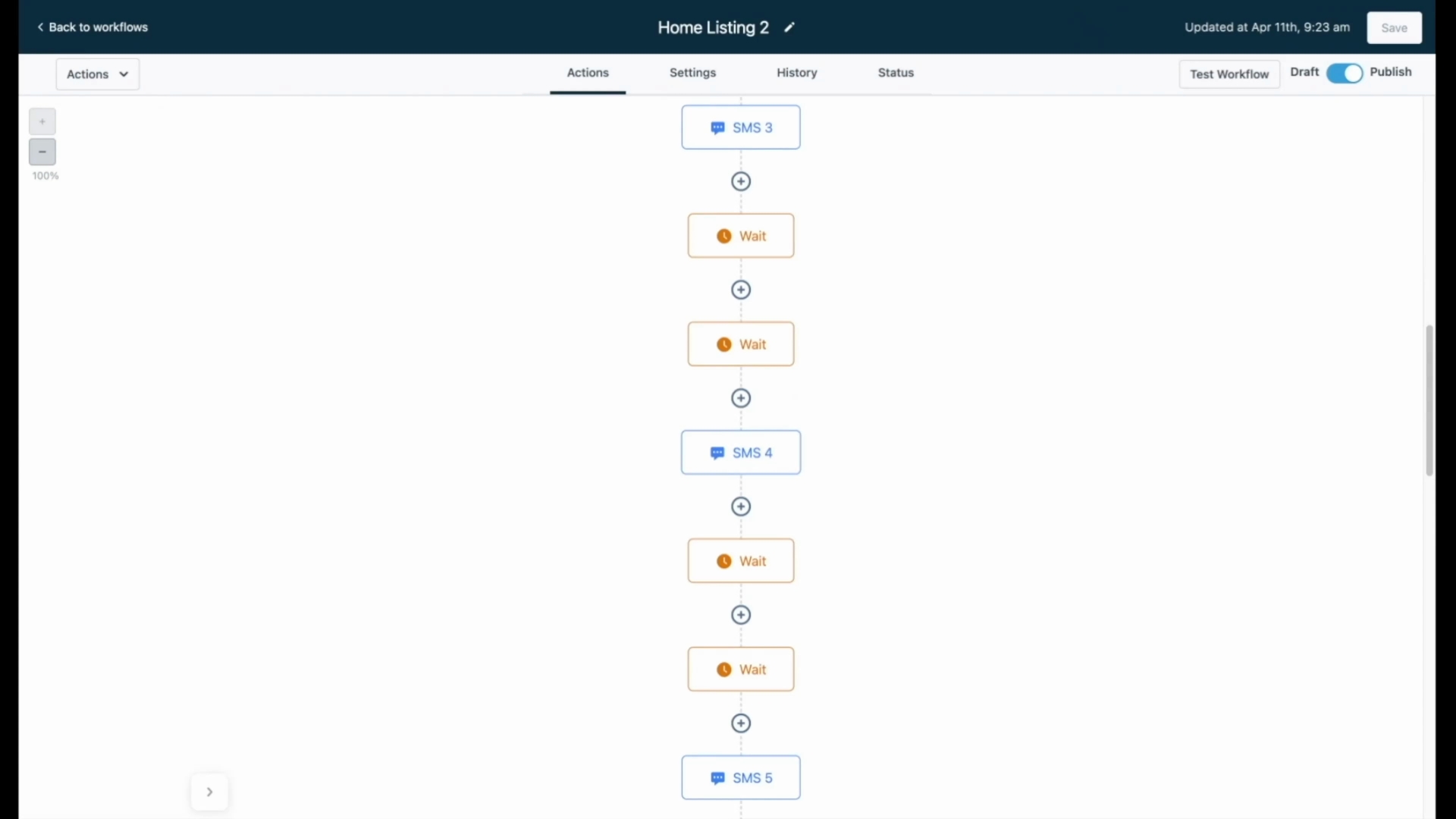
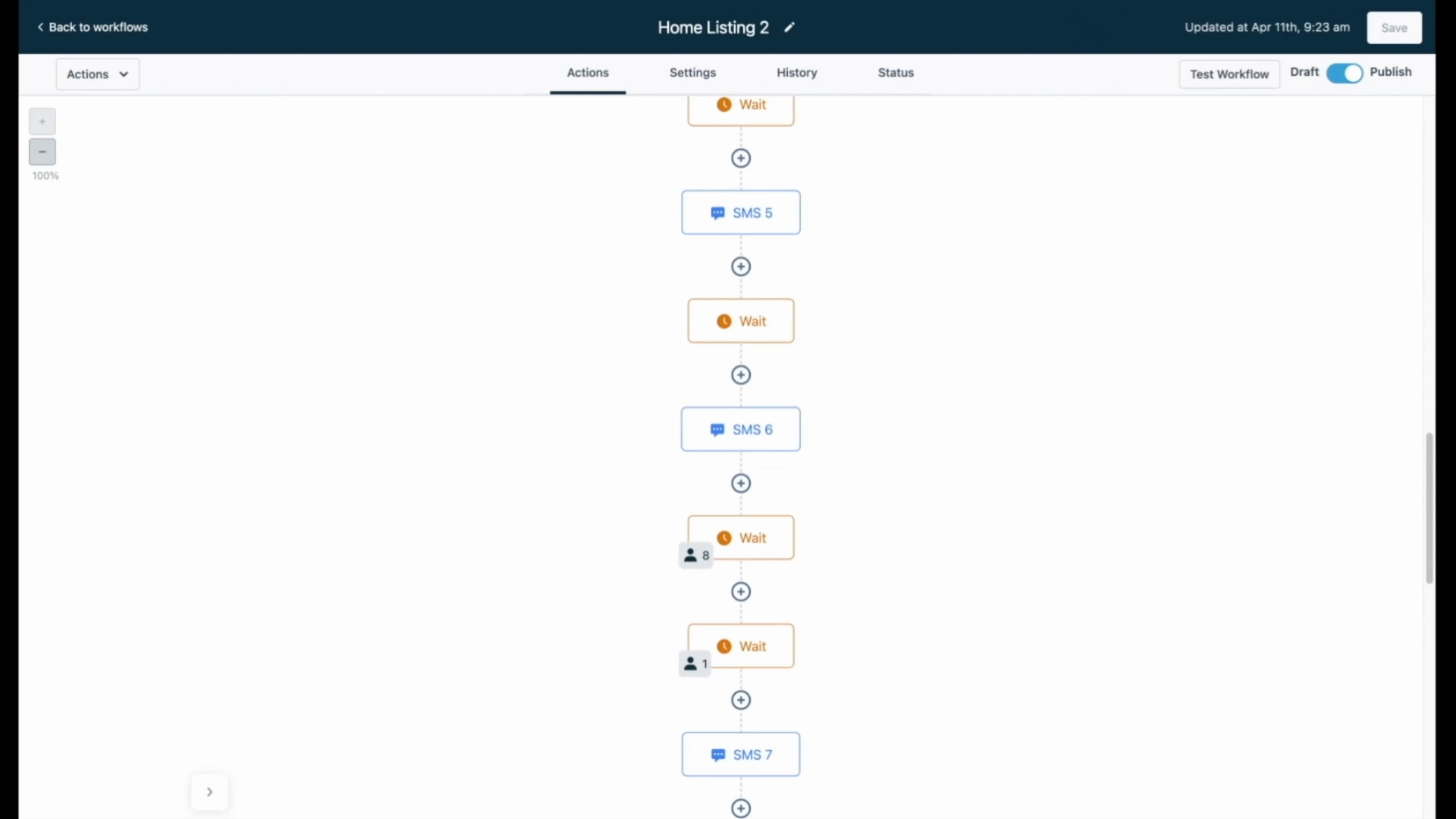
After an initial message, you can configure additional wait times and send follow-up messages that align with your communication style.
The follow-up campaign can be as extensive as you desire, ensuring you never manually follow up with leads again.
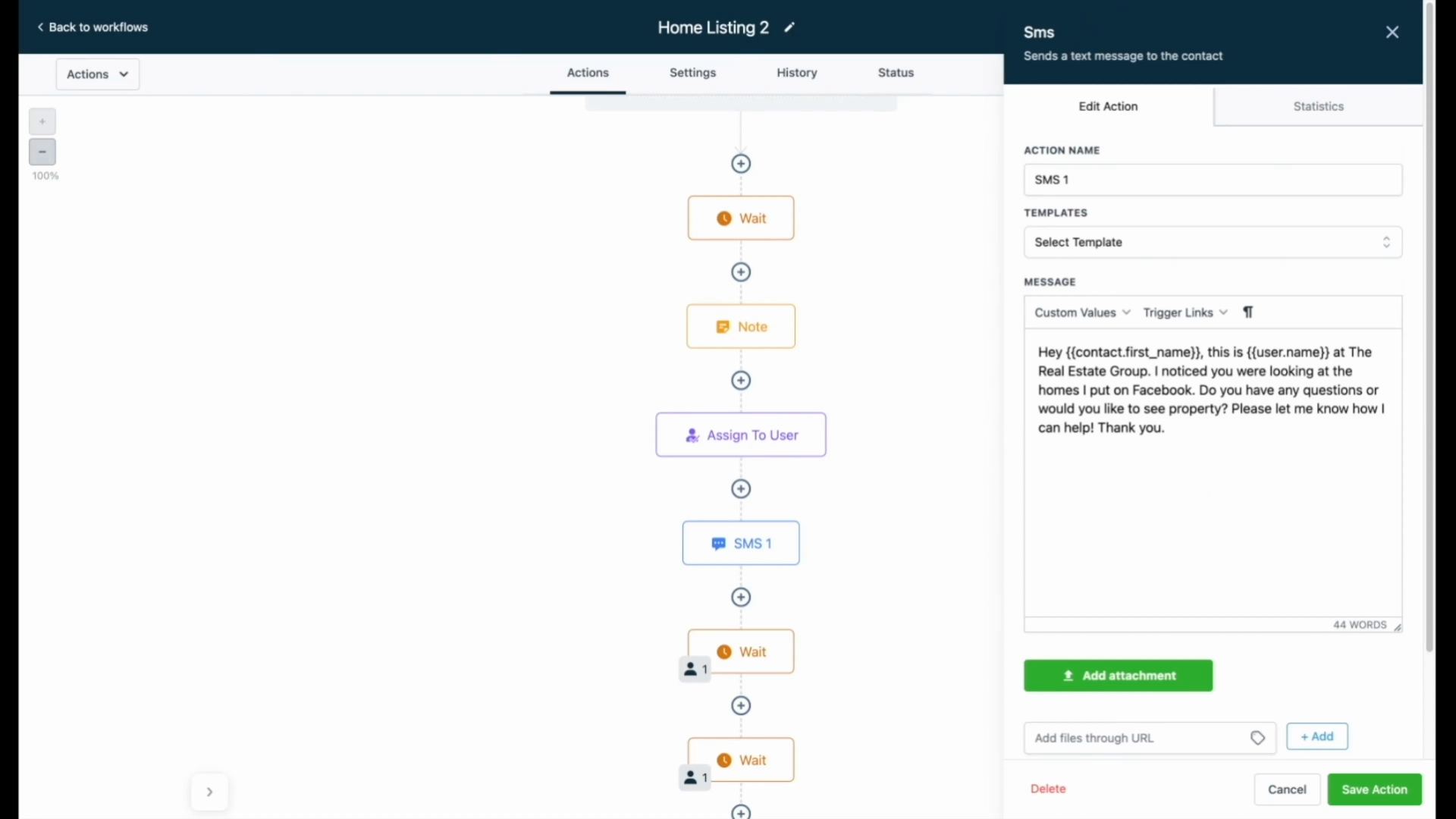
The campaigns are designed to automatically stop as soon as the lead responds, enabling efficient management of customer interactions.
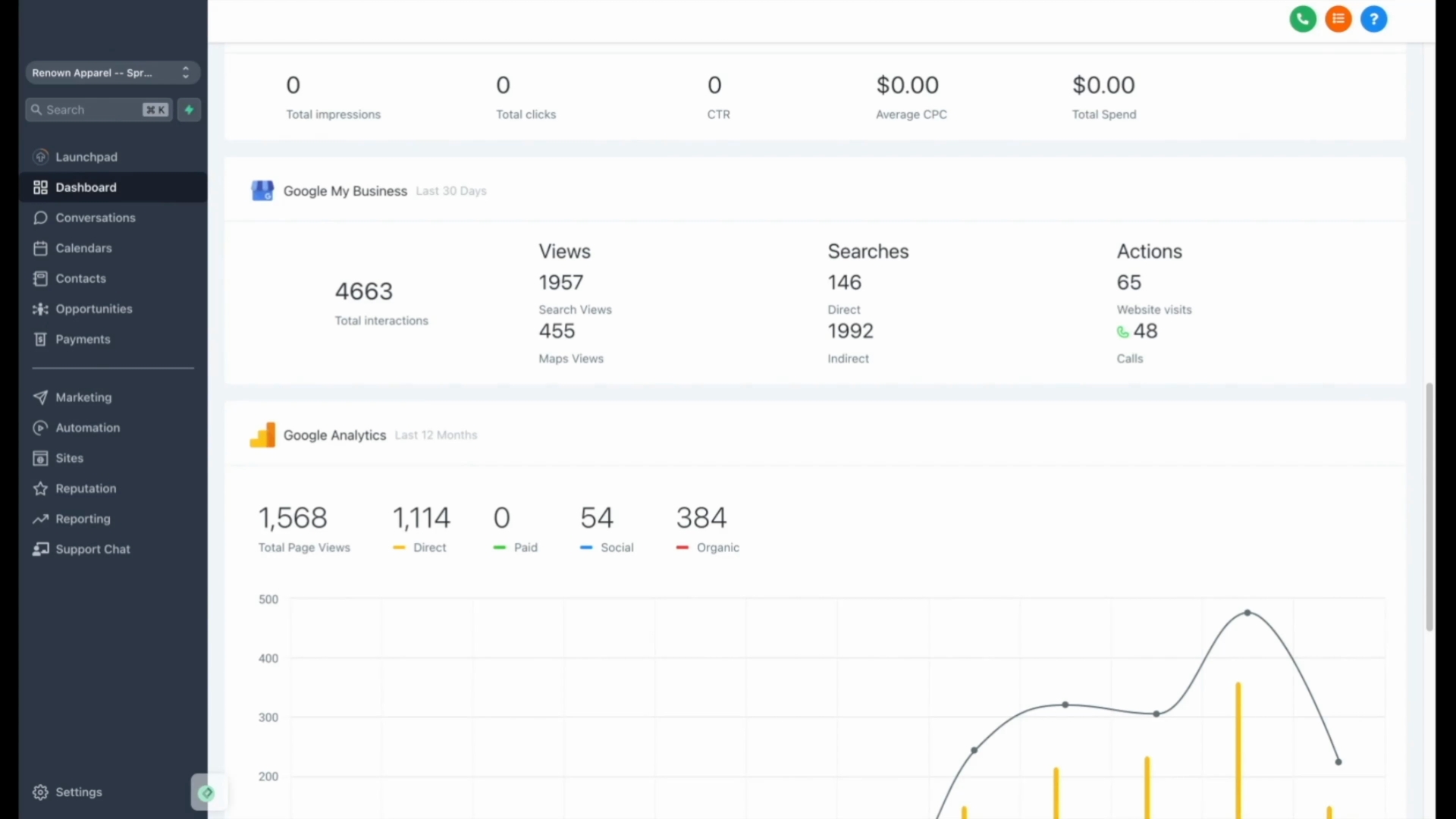
When a lead responds, you are ready to engage with them directly. Our system integrates with Google and Facebook Ads, enhancing their effectiveness by linking them to our automated texting features.
Additionally, we offer a comprehensive Conversations inbox tab that helps you manage text messaging, emailing, Facebook messages, Instagram DMs, and payment requests from a single interface.
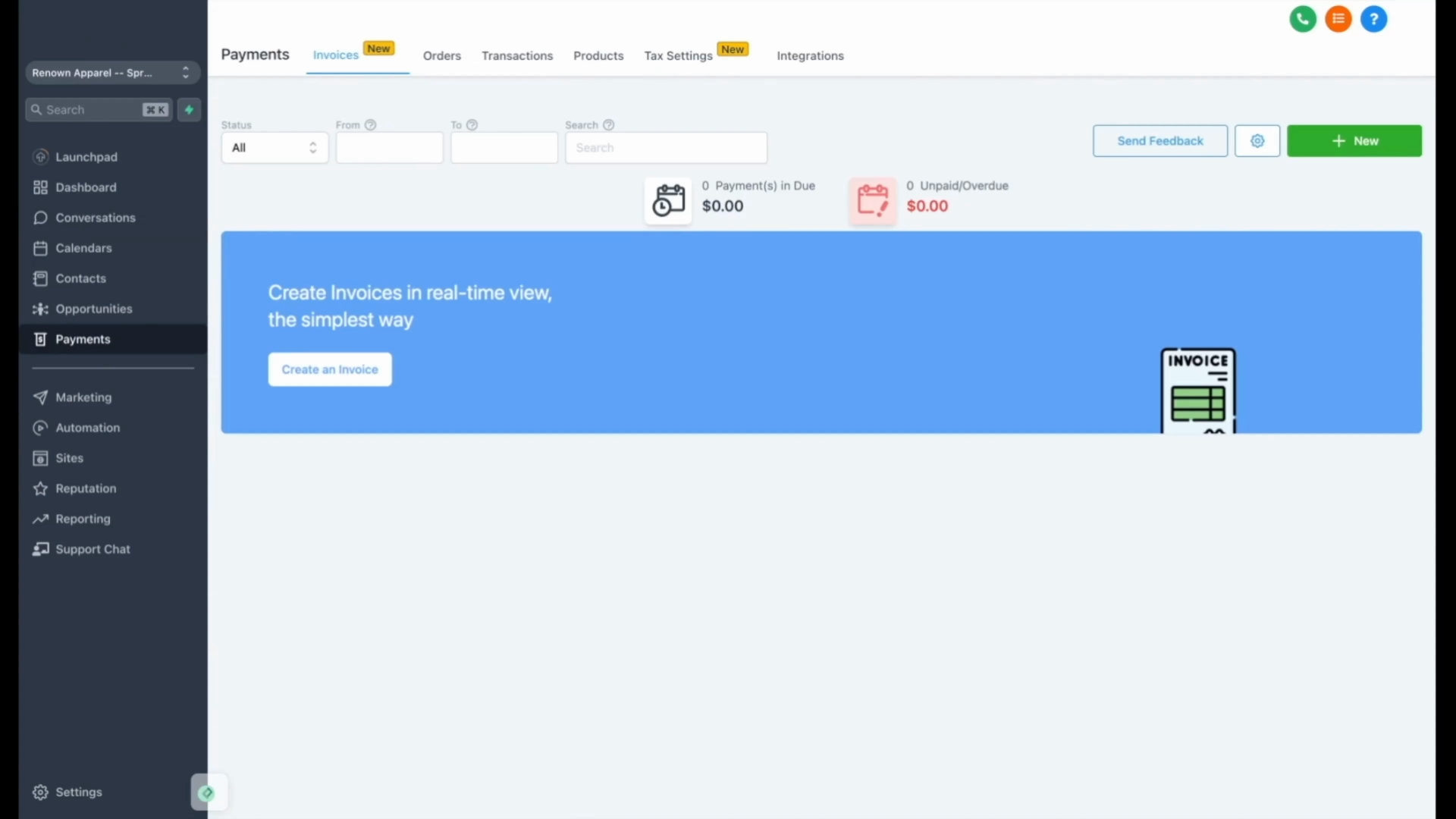
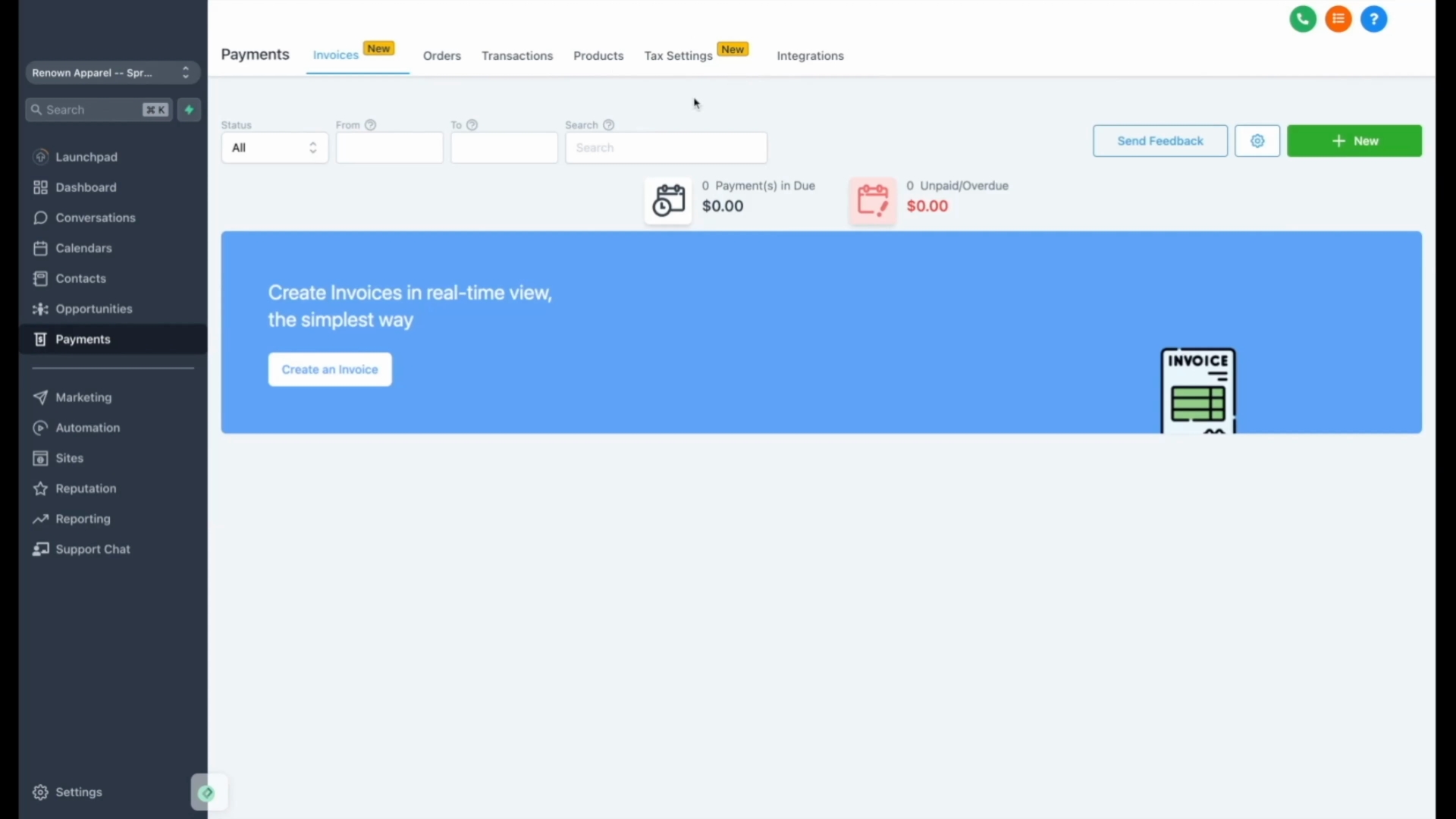
Our payment integrations with Stripe and PayPal allow you to create invoices effortlessly, which can be sent via text or email. You can also manage orders, transactions, products, and tax settings through the app.
If you are interested in email marketing, our Marketing tab and email templates enable you to create stunning mass emails quickly, complete with clickable links and text message automation.
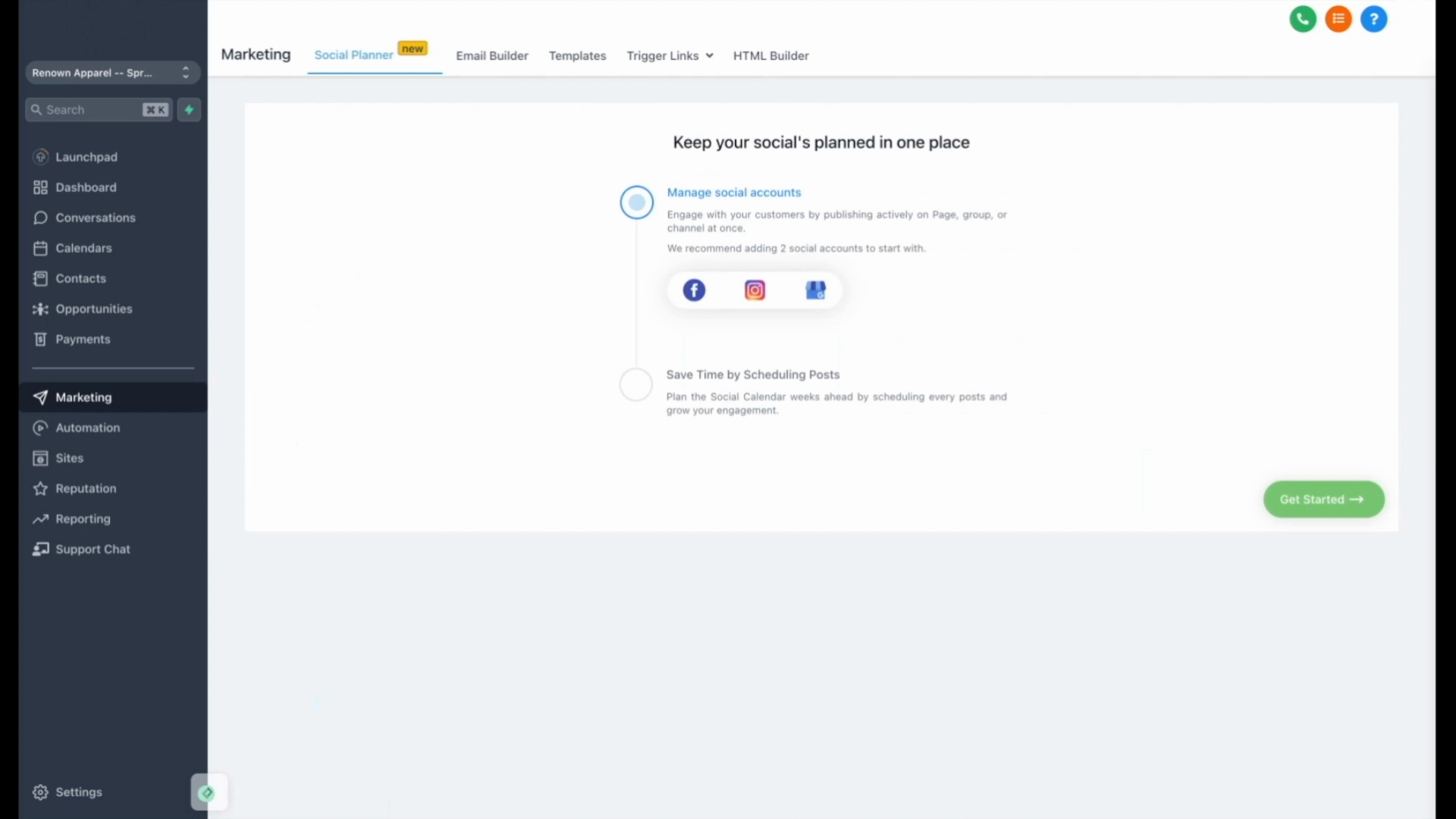
We have also introduced a new Social Planner that allows you to post content across Facebook, Instagram, and Google seamlessly.
Moreover, our custom form builder lets you design forms to collect diverse customer information that suits your business.
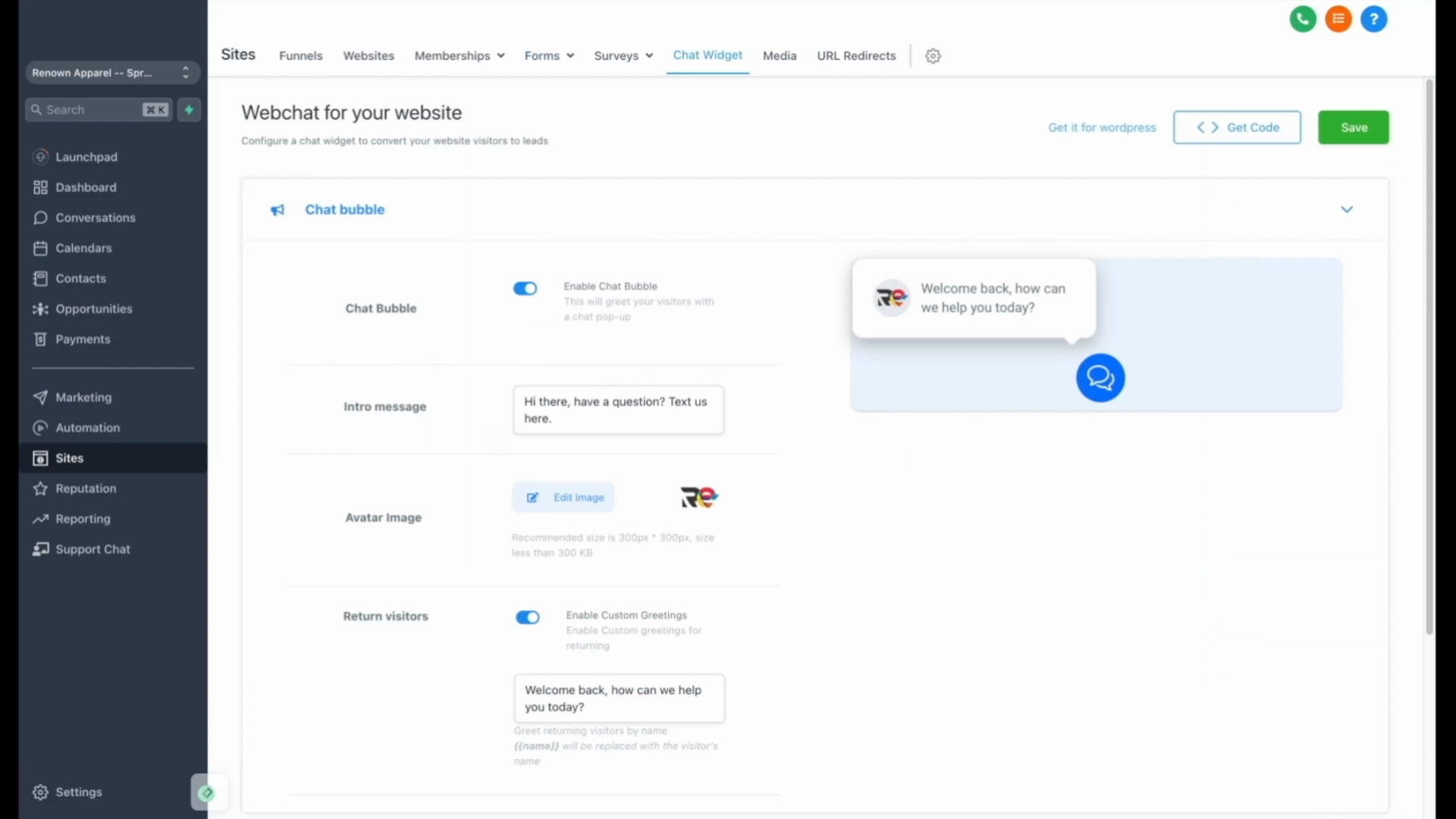
Lastly, our platform includes a custom chat widget, which can be integrated into your existing website or a new site created with our software, allowing easier customer communication.
For those seeking a hands-on experience, visit our website, fill out the form, and submit it to observe our automation in action.
We appreciate your interest in our software program. By following these steps, you can take full advantage of its features for efficient business management.