
Introduction
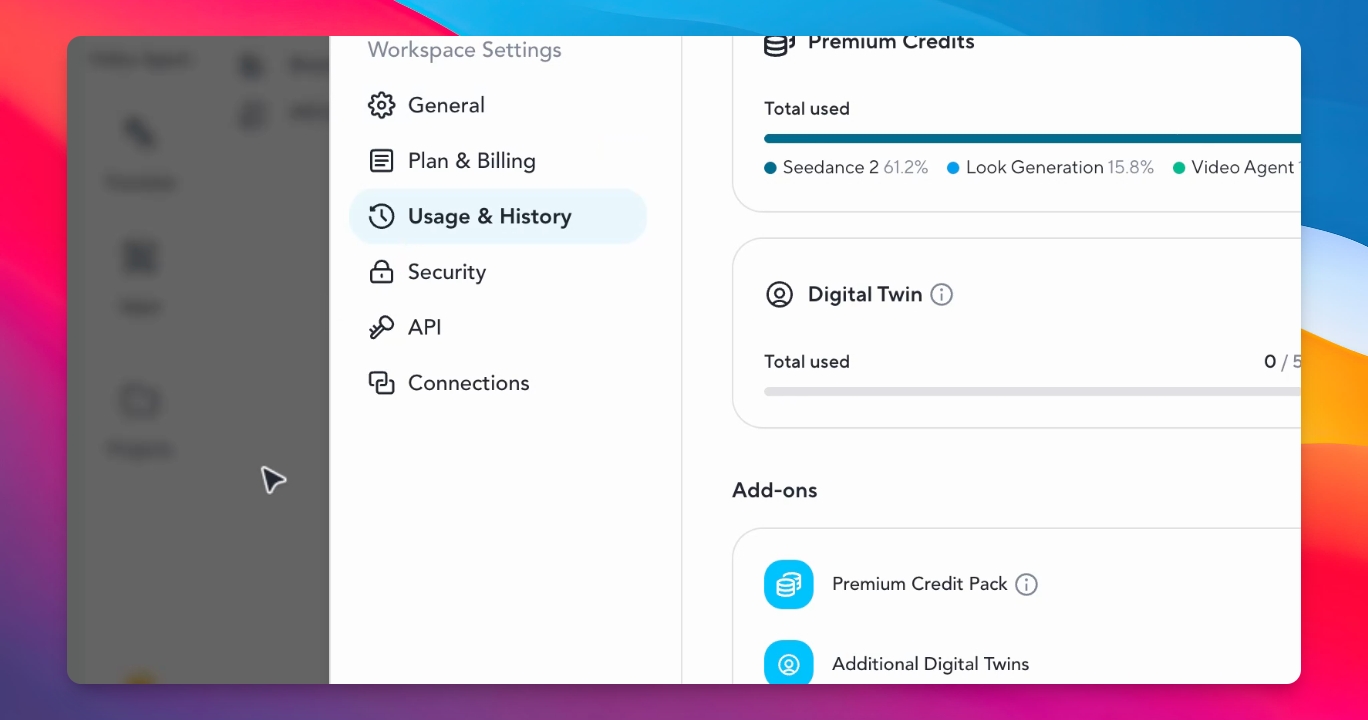
This article explains how to use HedgeGen effectively without consuming avatar credits. Understanding the platform will help you create beautiful videos.
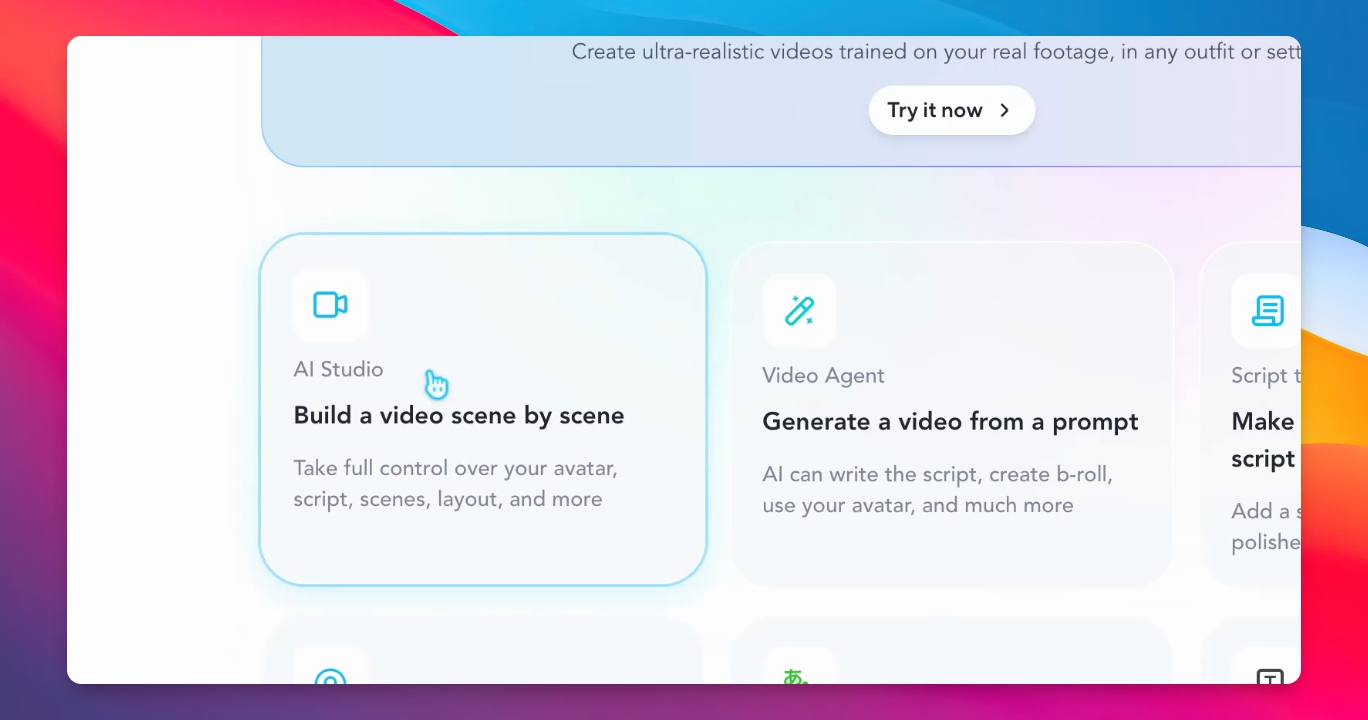
Step 1: Open AI Studio
To start, navigate to the AI Studio tab. This is where you will create your videos.
Step 2: Use Motion Engine
Ensure to access the motion engine for Avatar 3. This is crucial for unlimited video production.
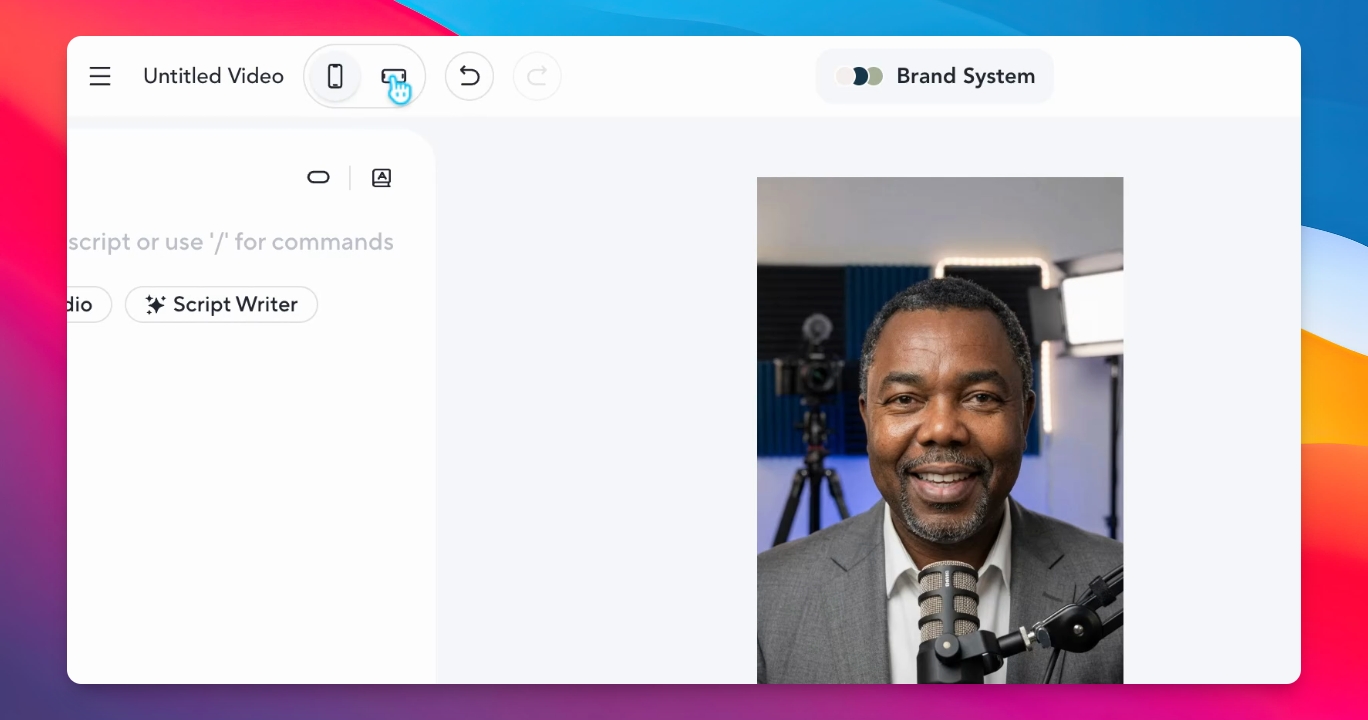
Step 3: Upload or Paste Script
You can upload videos or paste your script into the platform for processing.
Conclusion
You can create unlimited videos using HedgeGen without spending avatar credits by following the above steps. Explore the platform to enhance your video production.