

In this tutorial, we will cover how to use the lead finders and email verification email enrichment software. Let's look at the steps:
Step 1: Sign Up
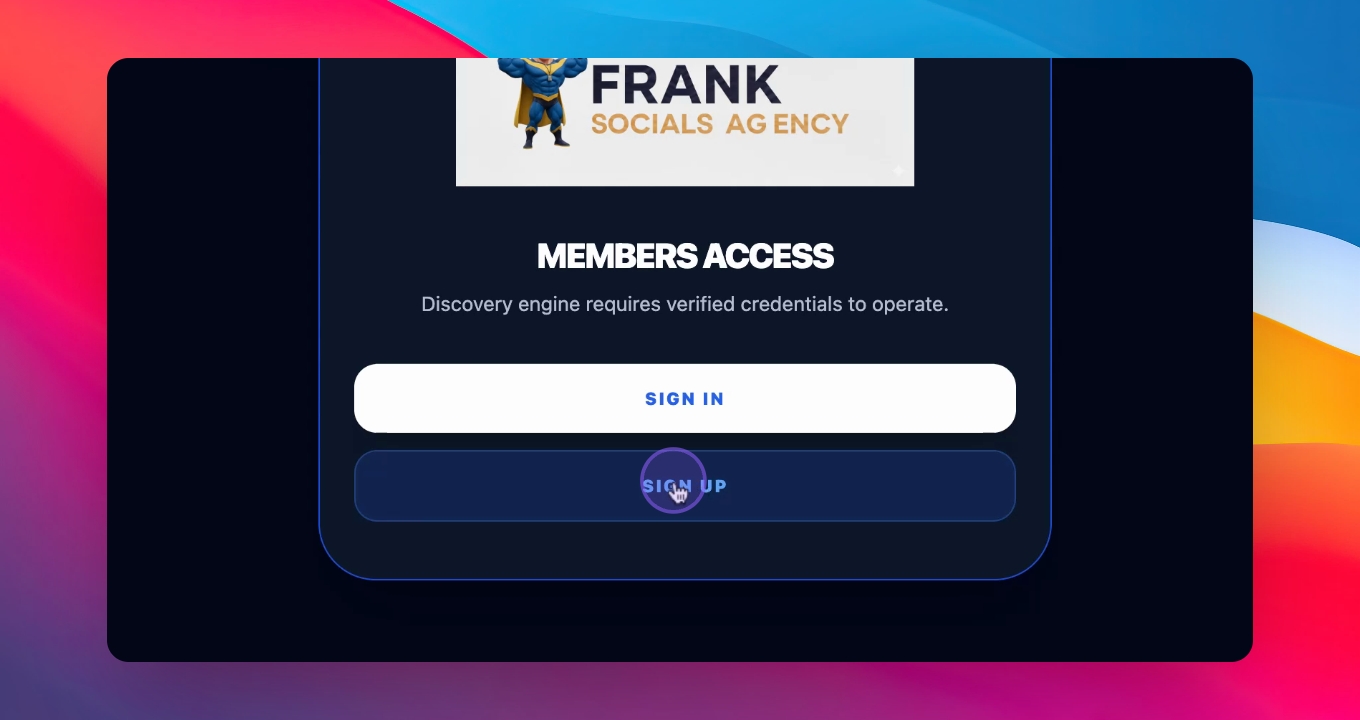
When you land on this window, click on the button to sign up. If you are a new user, you will need to create an account. Enter your username, password, and invite code provided to you.
Step 2: Choose Platforms
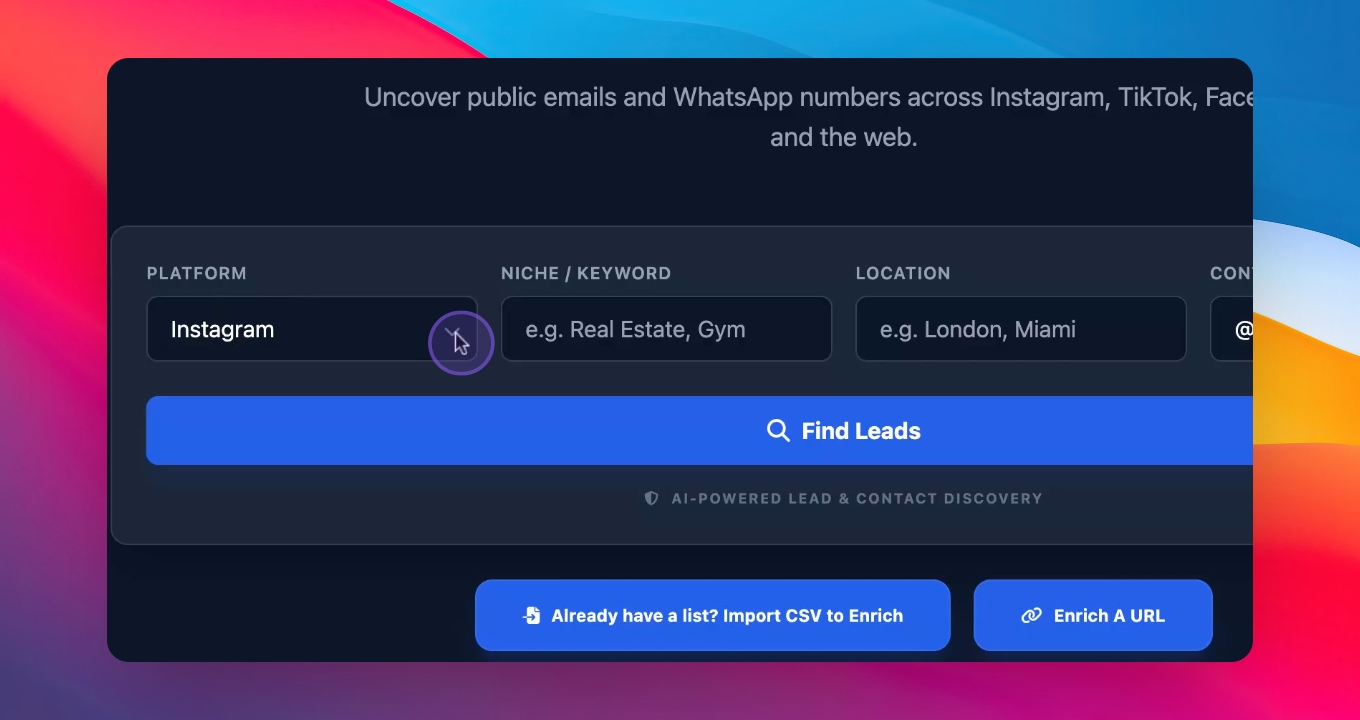
In the platform box, select the platforms where you want to find customers.
Step 3: Define Niche and City
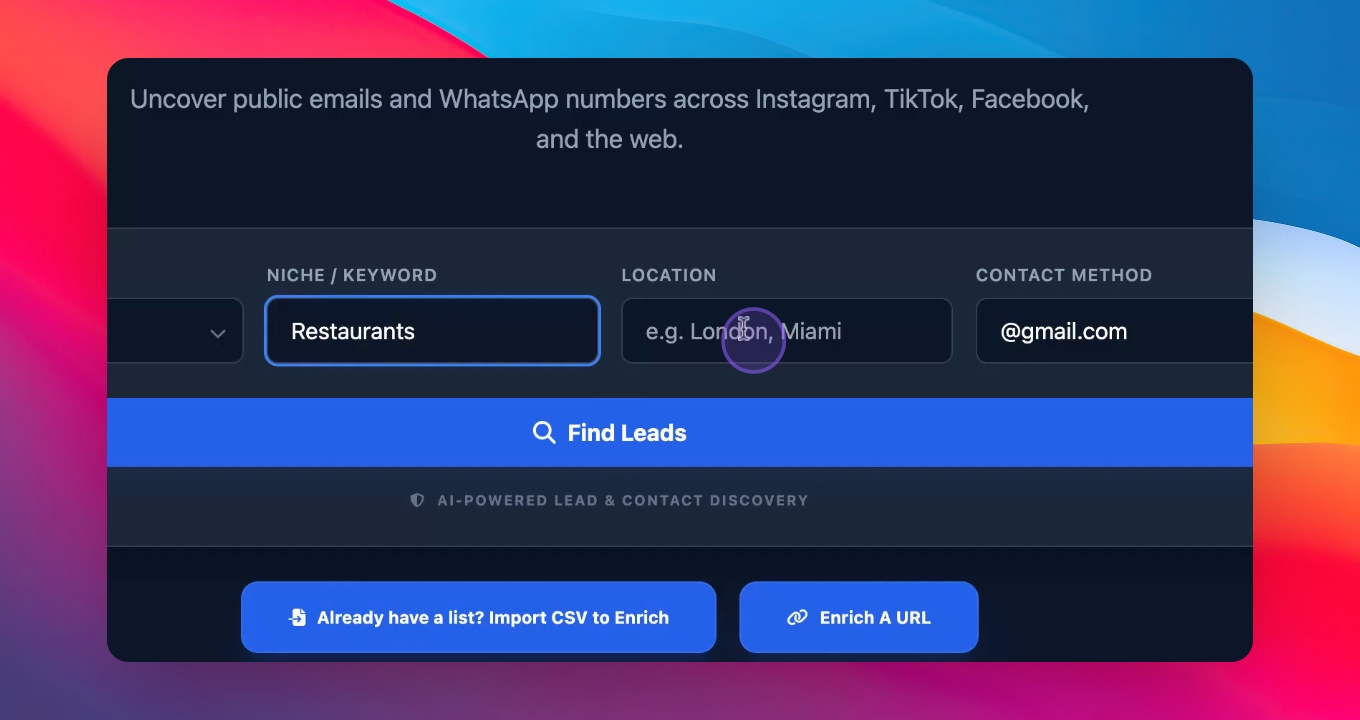
Specify the niche you want to target, such as real estate or restaurants, and the city where you want to find them.
Step 4: Contact Method
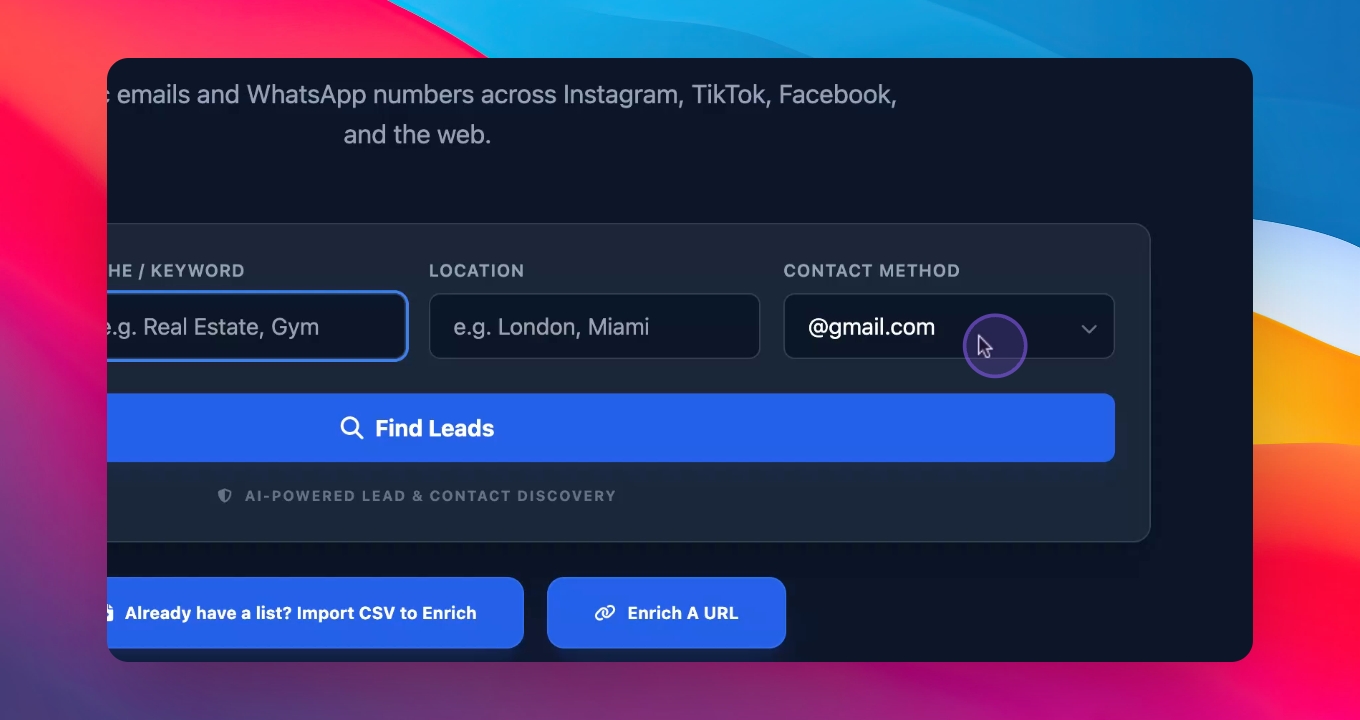
Select the contact method you wish to use, such as WhatsApp or email.
Step 5: Search for Businesses
Enter your search criteria, for example, restaurants in Berlin. Click to search.
Step 6: Enrich Leads
The software will scan the Internet for publicly available details of restaurants in Berlin. You will receive 50 businesses in cards with enriched details.
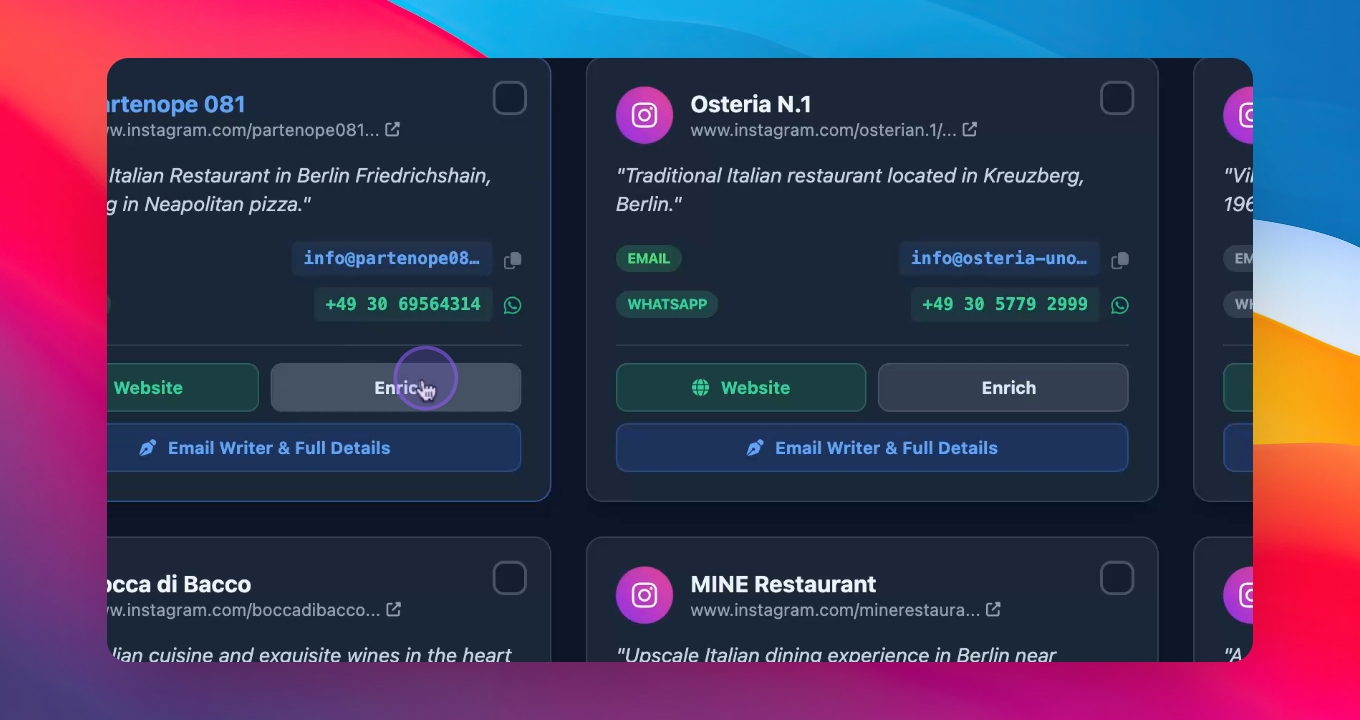
Step 7: Save and Pitch
After enrichment, all details will be saved. You can then create a pitch for the services you want to offer.
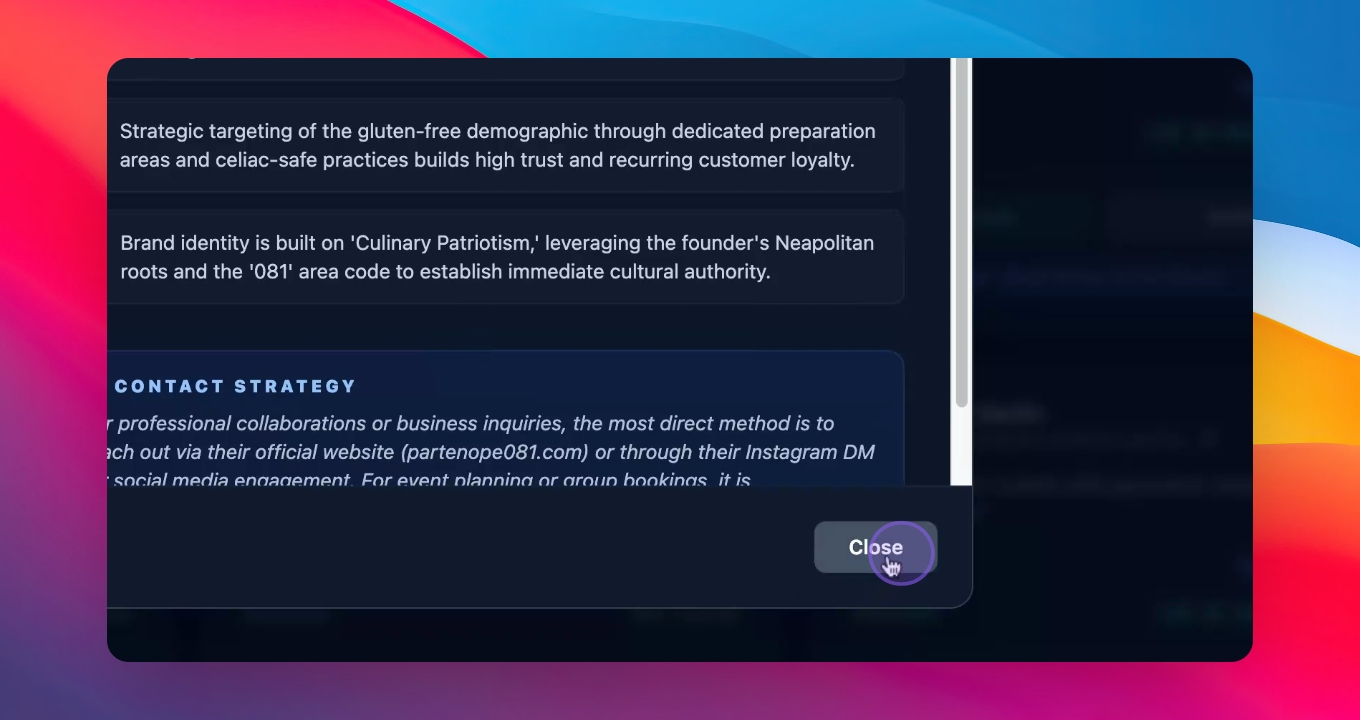
Step 8: Generate Emails
Press the button to generate three different emails for outreach. Save these emails for follow-up.
Thank you for watching! See you in the next video.