

Let's do it together!
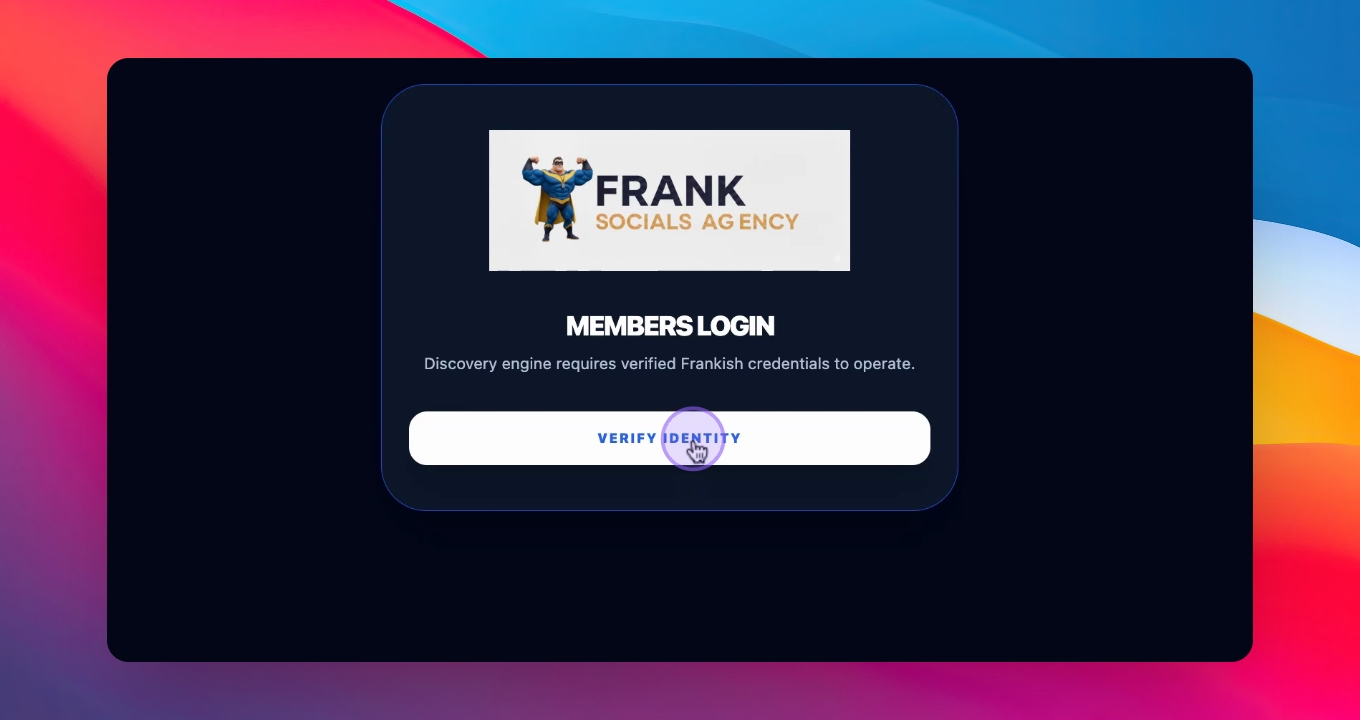
Step 1: Log In
Click the link provided and log into the platform using the username Frankish and the password you received.
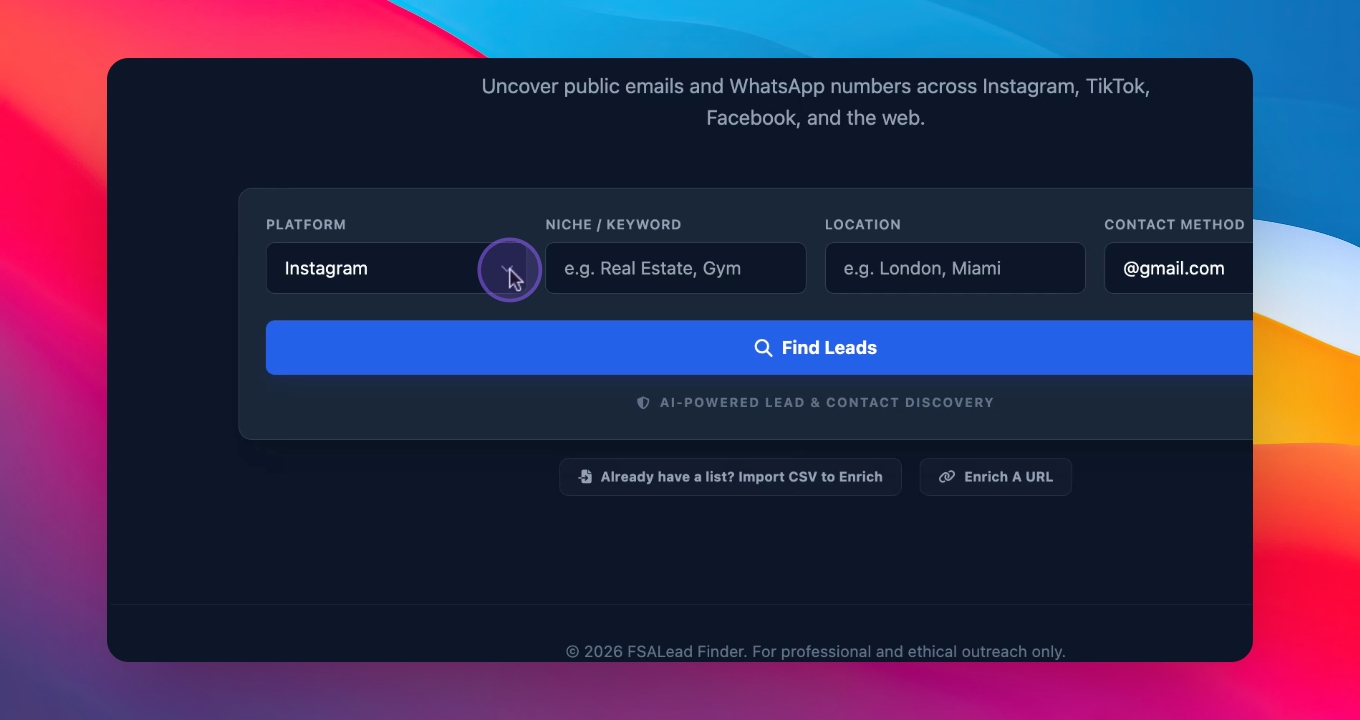
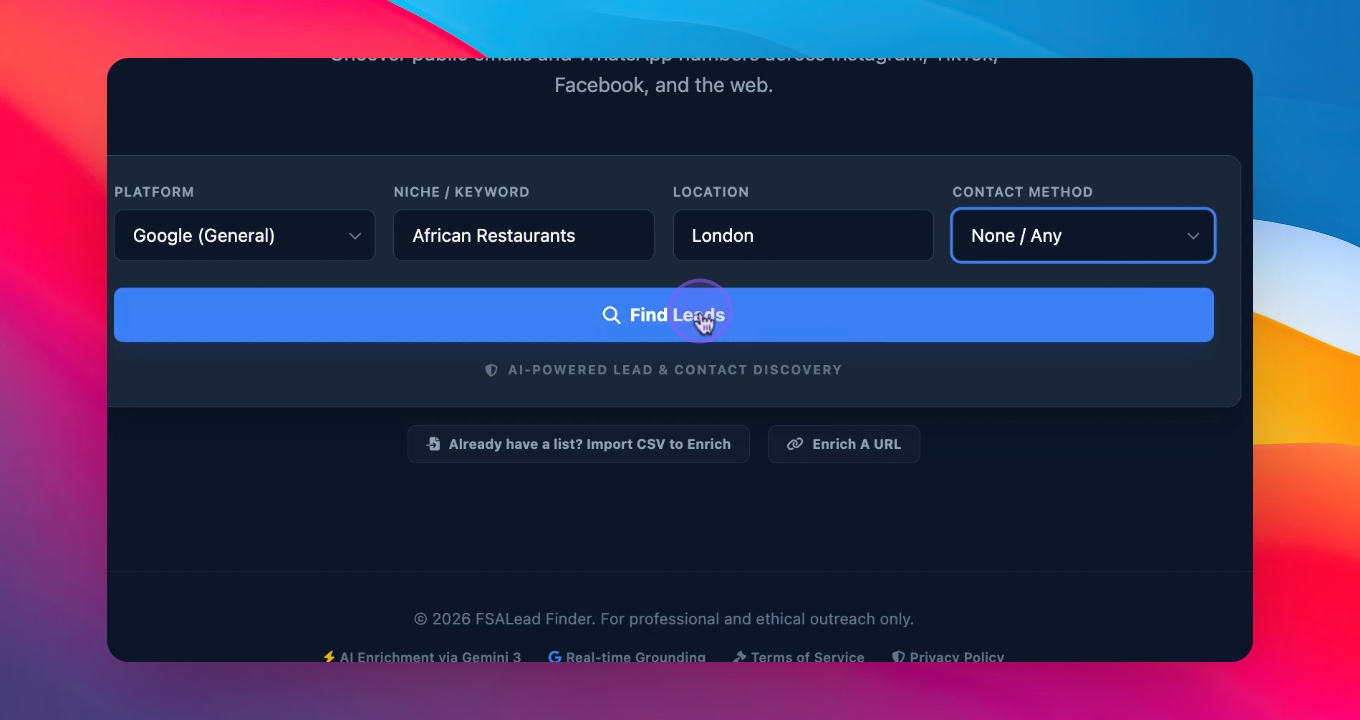
Step 2: Select Platform
Choose the platform you want to use for finding leads, such as General on Google.
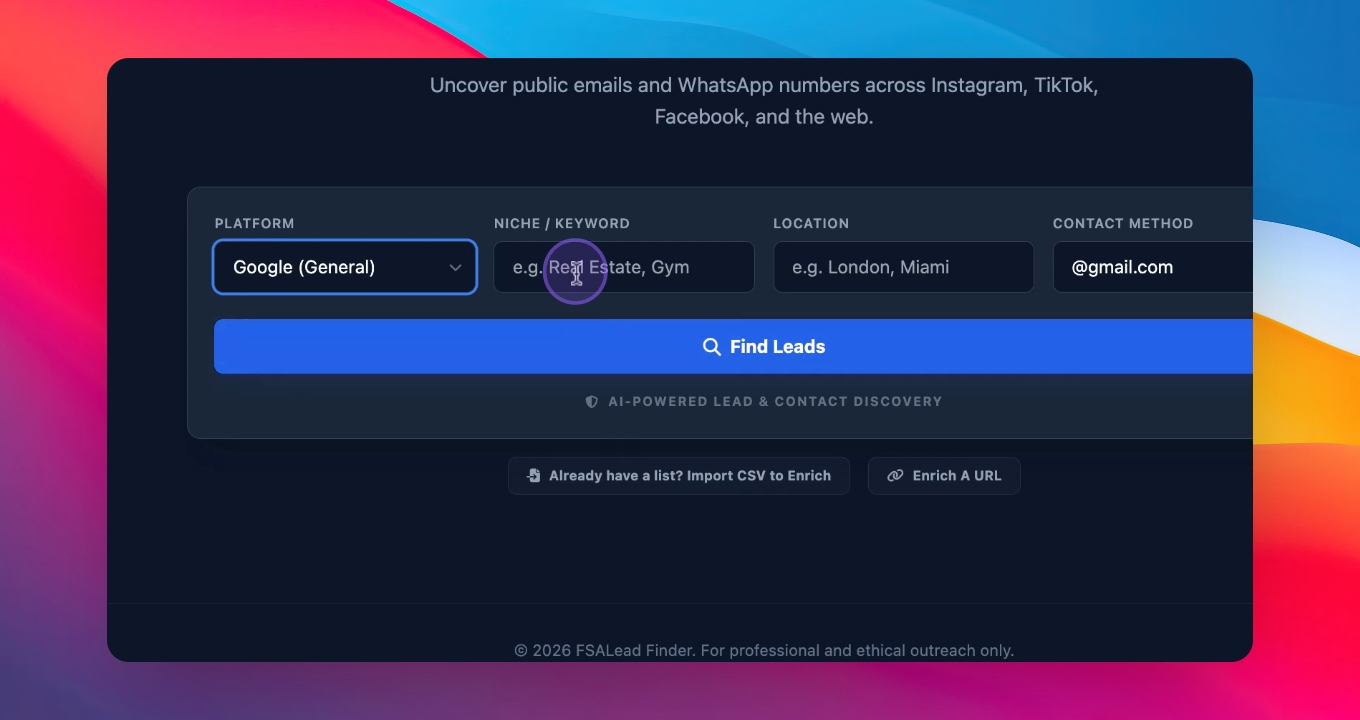
Step 3: Enter Search Criteria
Type in African restaurant and your city, for example, London, to start searching.
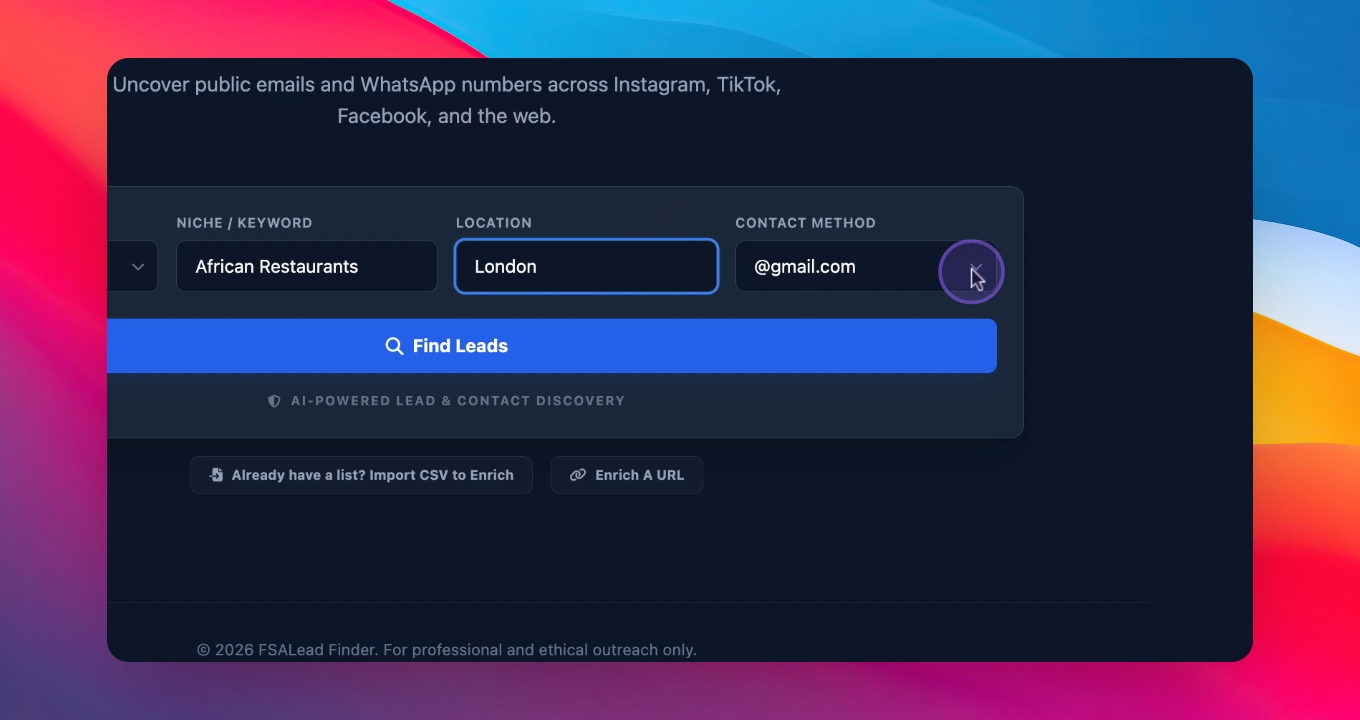
Step 4: Choose Information Type
Decide whether to search for WhatsApp numbers or general information based on your needs.
Step 5: Search for Leads
Click to search, and the software will find details of the businesses based on your search criteria.
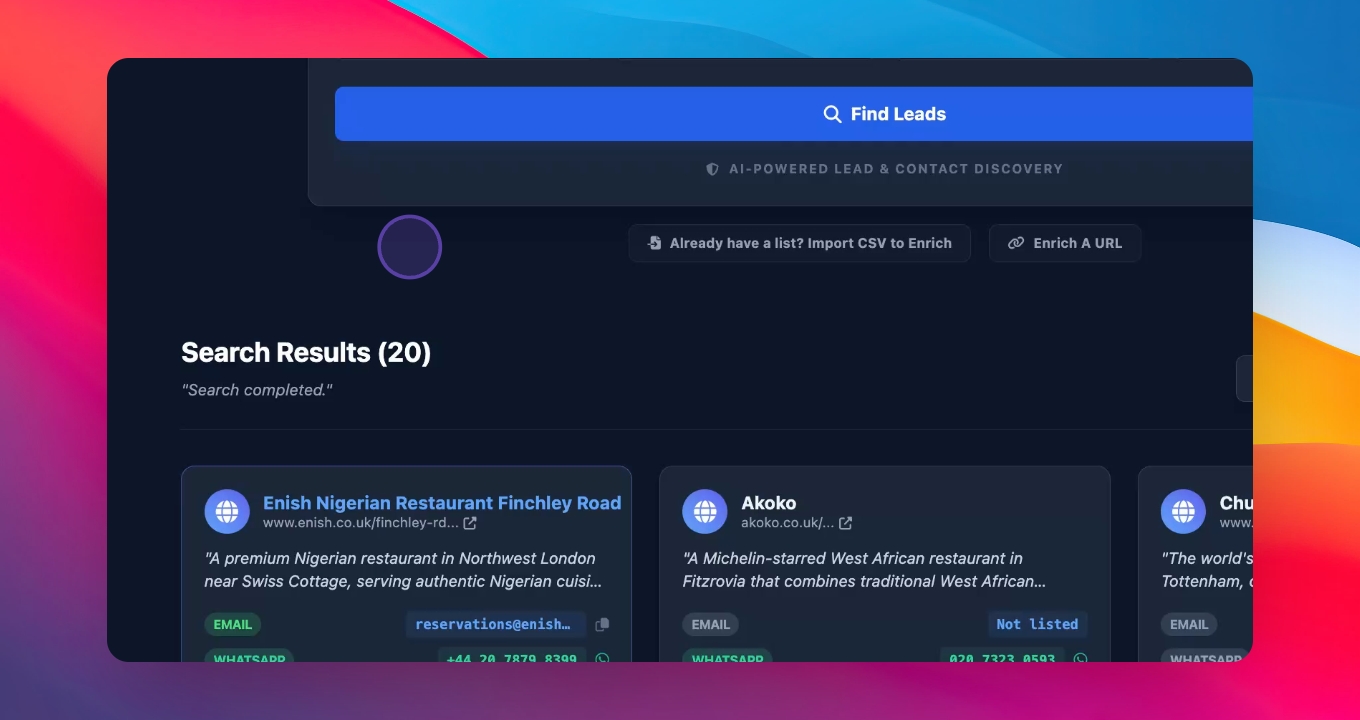
Step 6: Review Results
Wait for the software to display up to 20 results based on your search.
Step 7: Enrich Leads
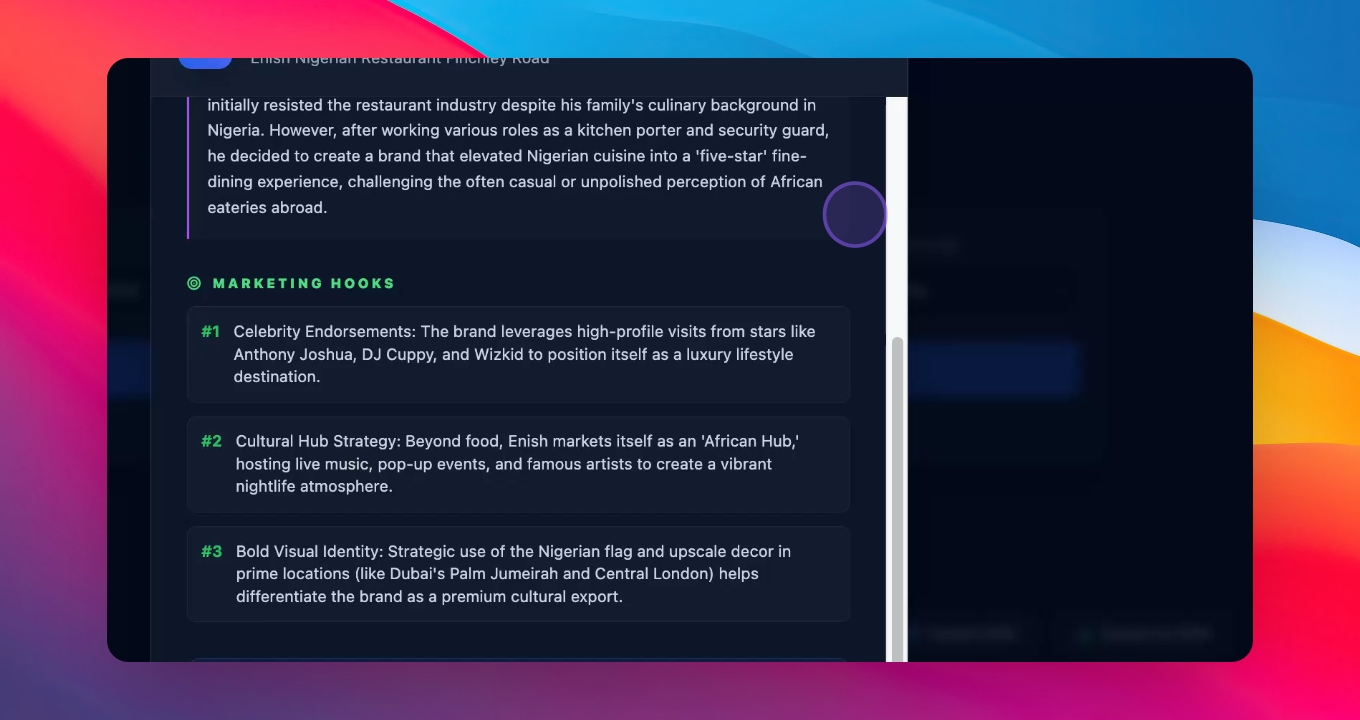
Select a lead and click the Enrich button to find detailed information about the business owner.
Step 8: Save Information
Save the retrieved information for use in your outreach emails or messages.
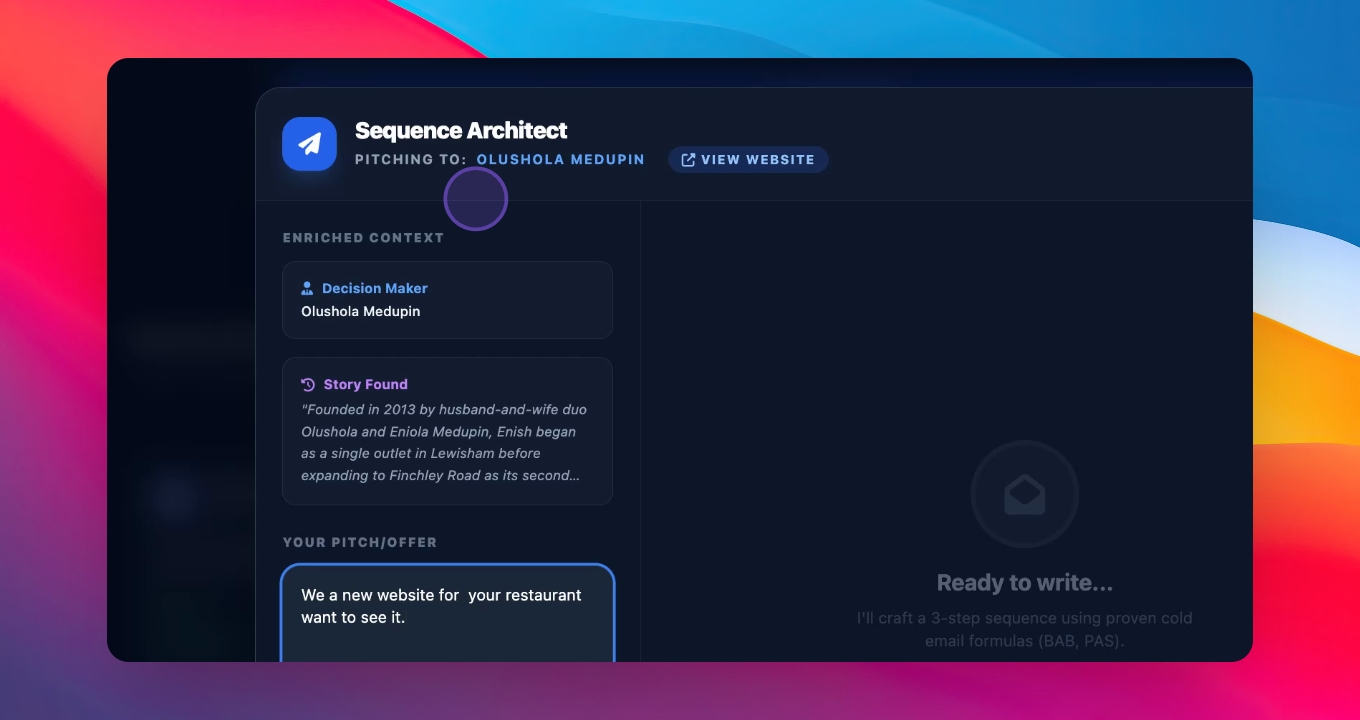
Step 9: Draft Emails
Use the software to draft three personalized emails to send to the business owner.
Step 10: Send Messages
Copy the emails, add your name, and send them via WhatsApp, email, or in person.