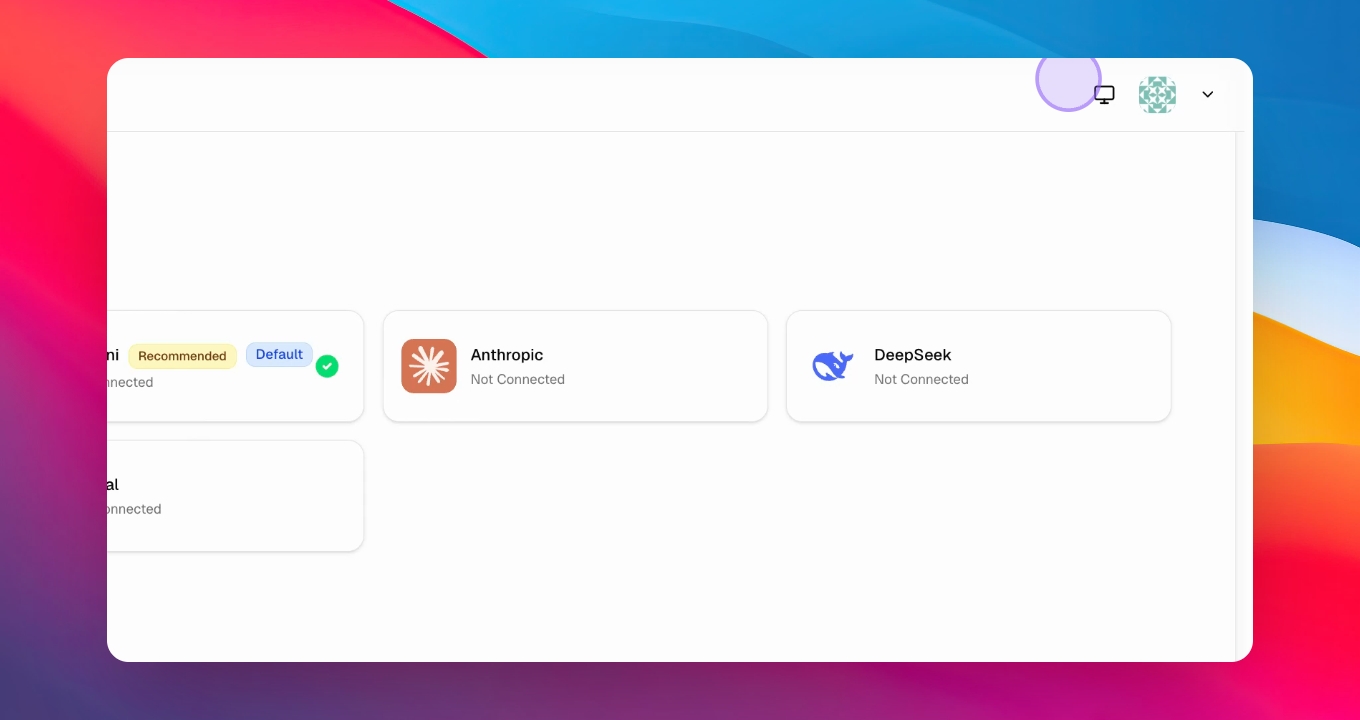

Let's do it together!
Step 1: Log In
Log in to your account at frank websites.frank.com to access the platform.
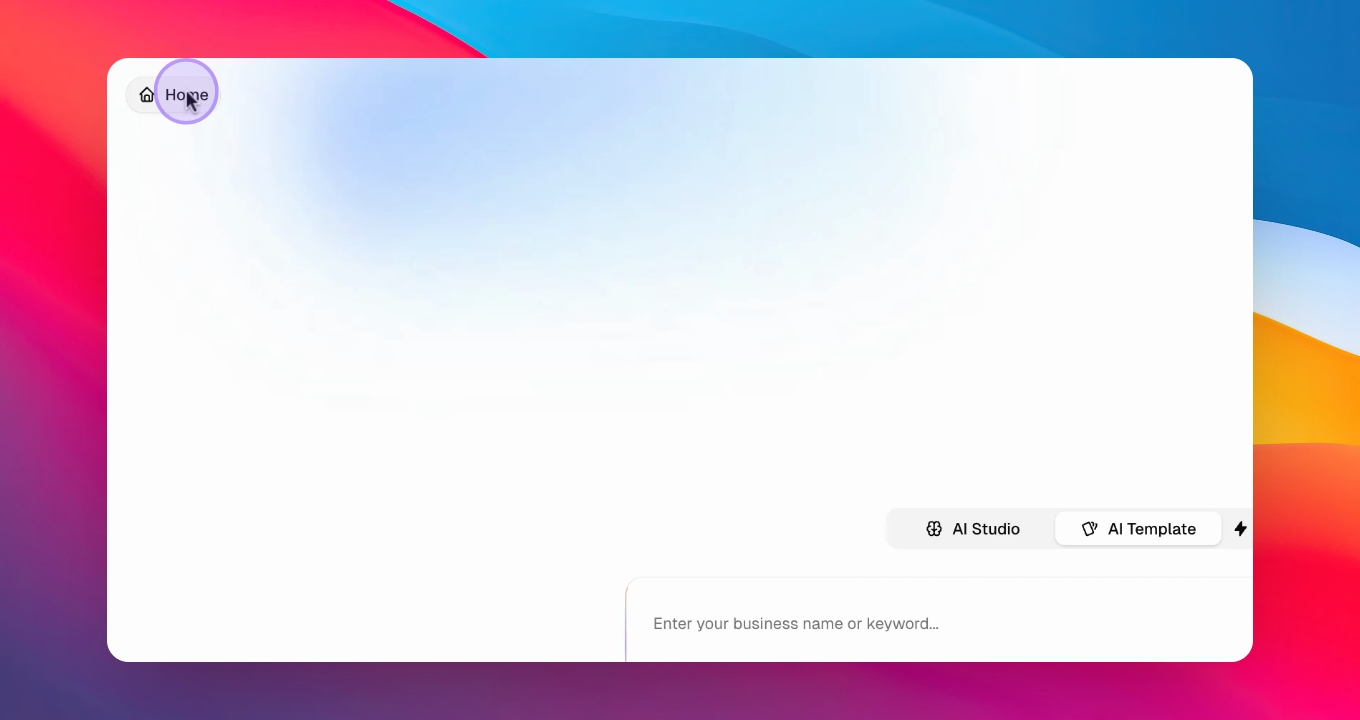
Step 2: Connect API
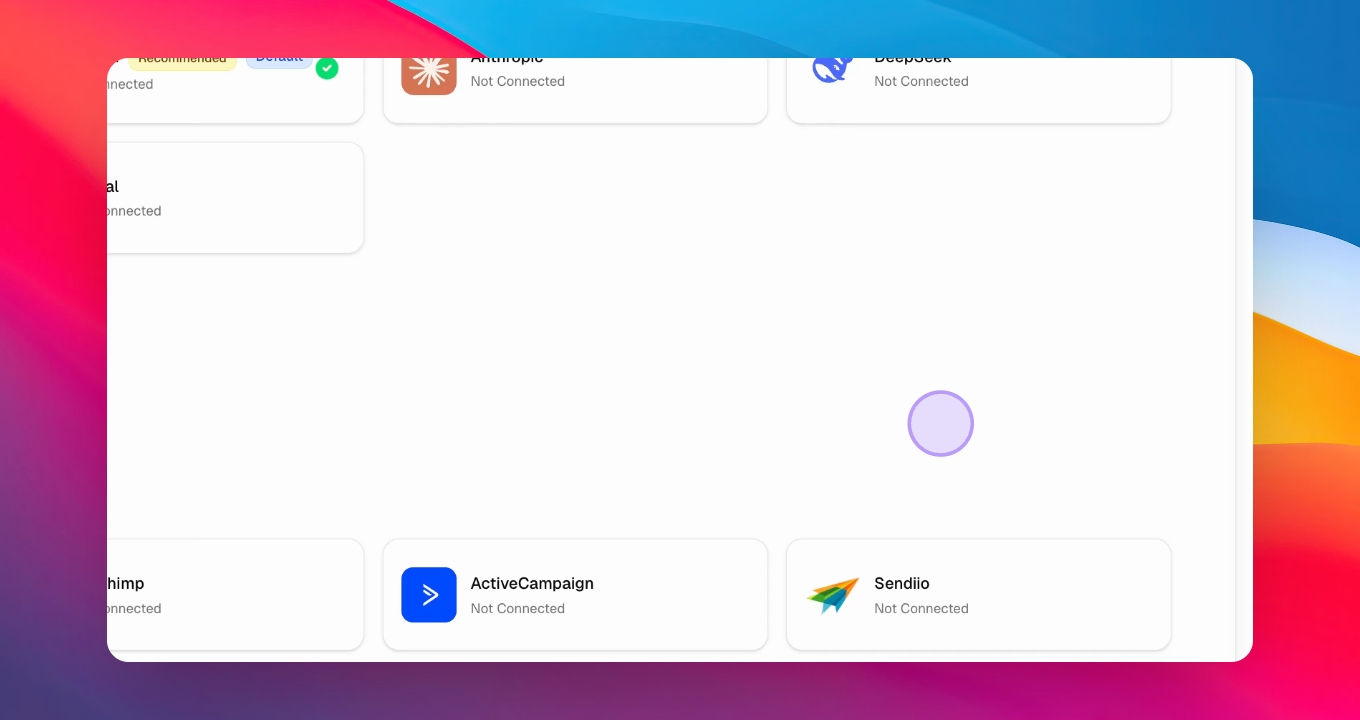
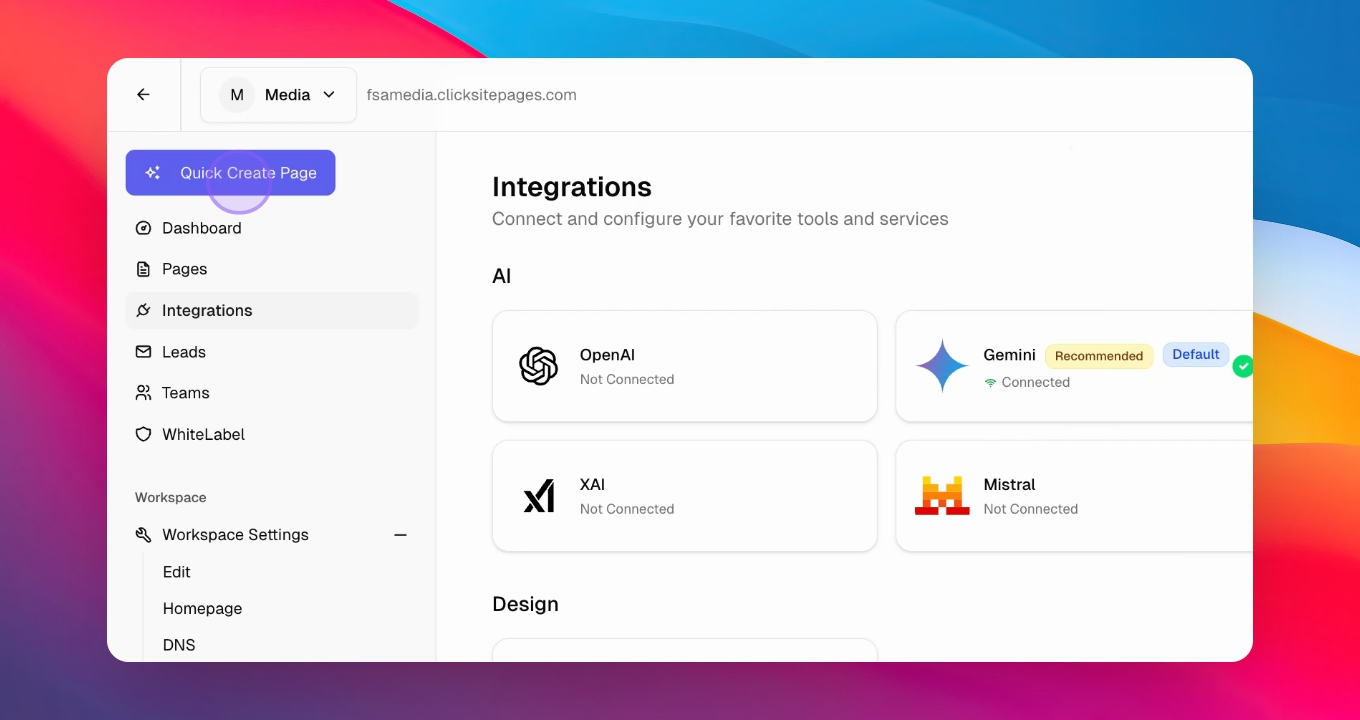
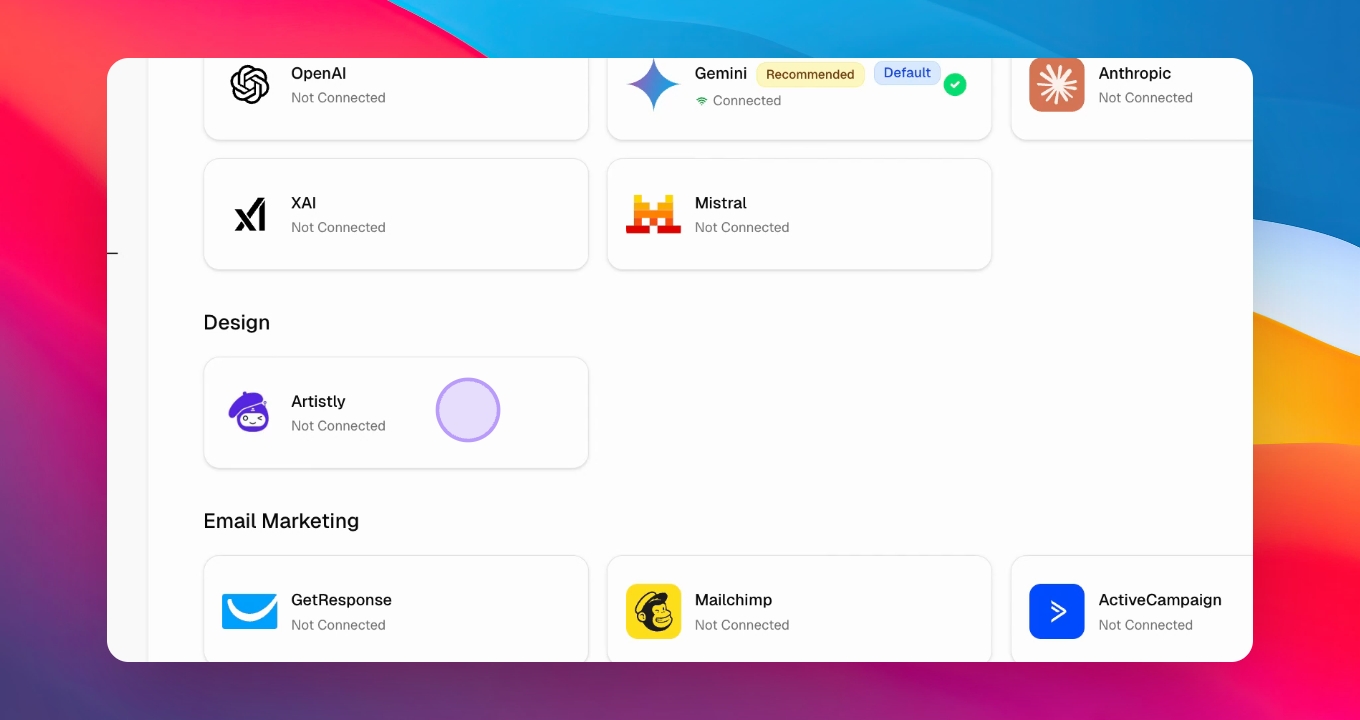
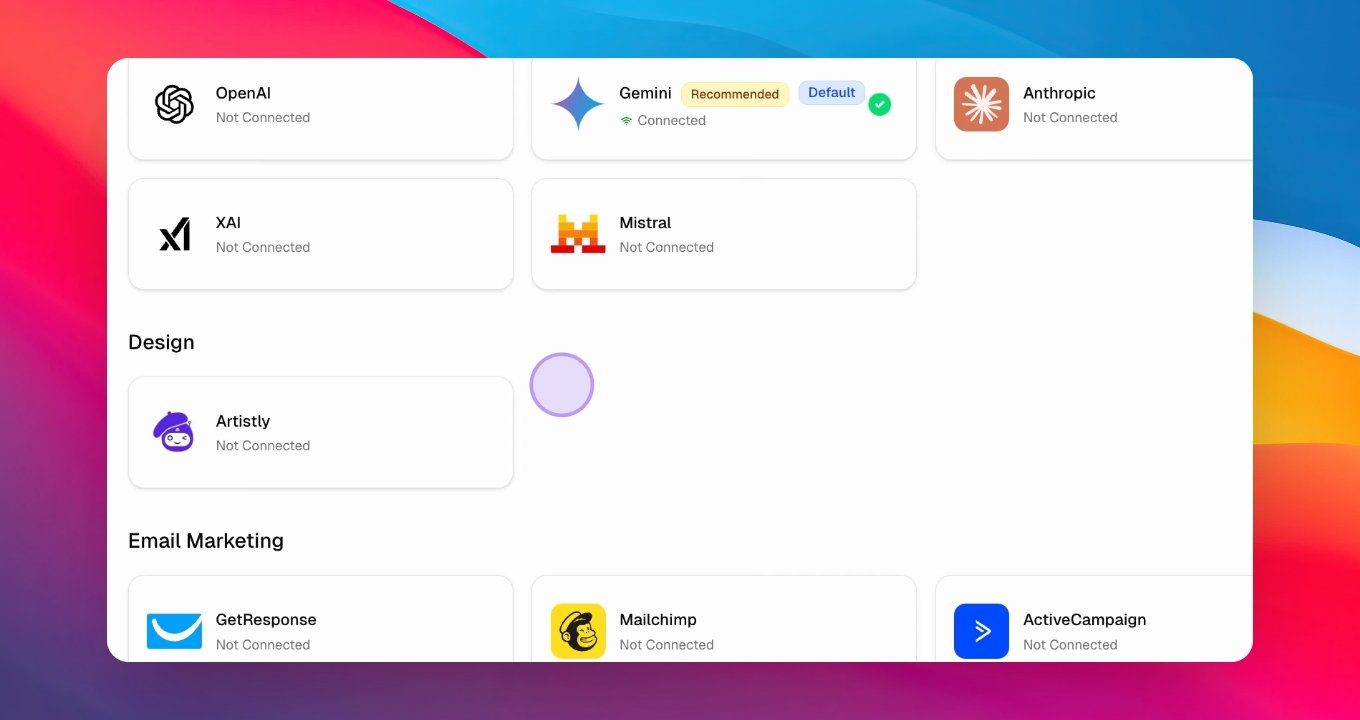
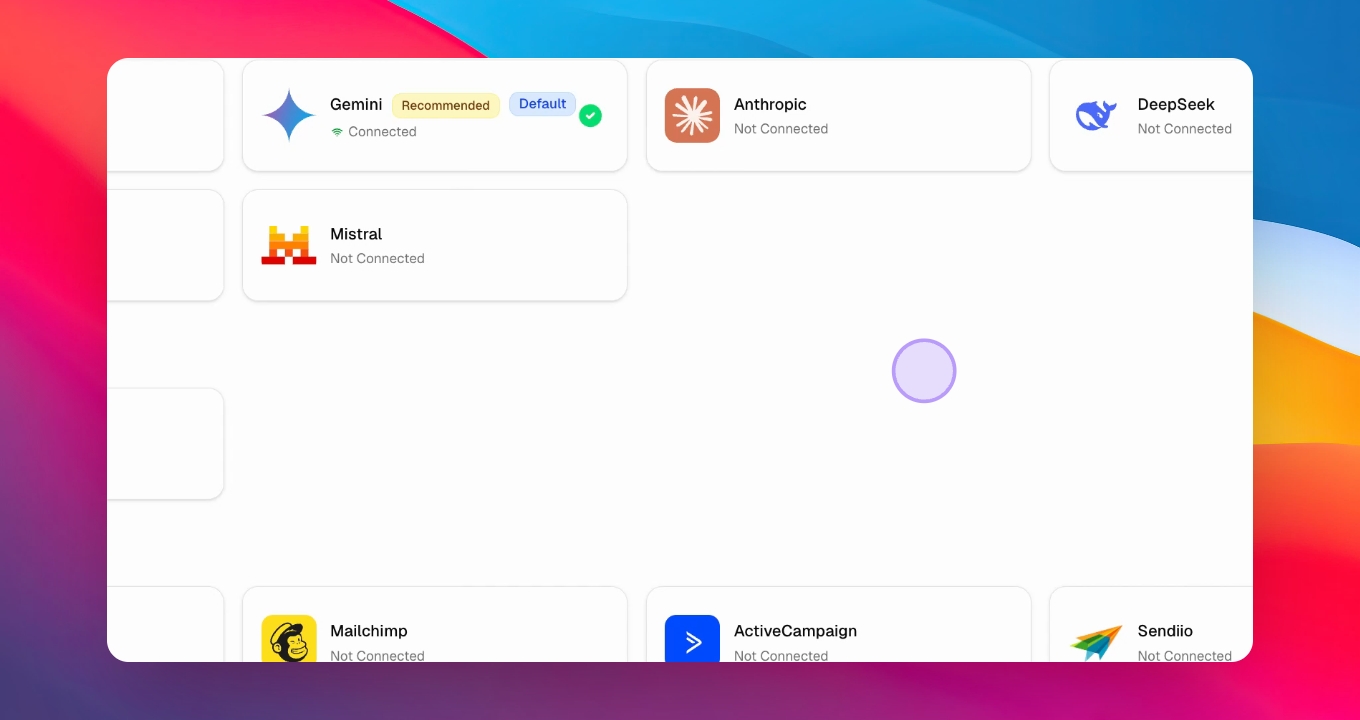
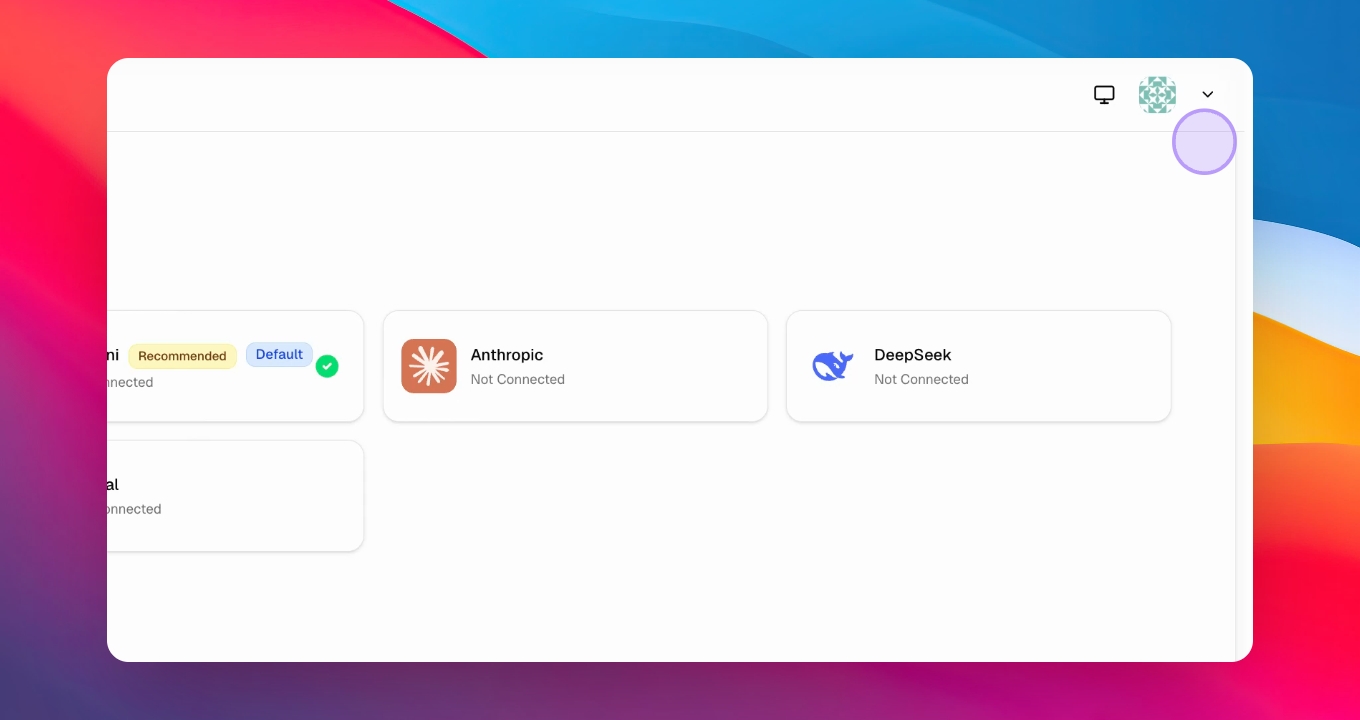
Connect your API by selecting the Gemini integration and adding an API key.
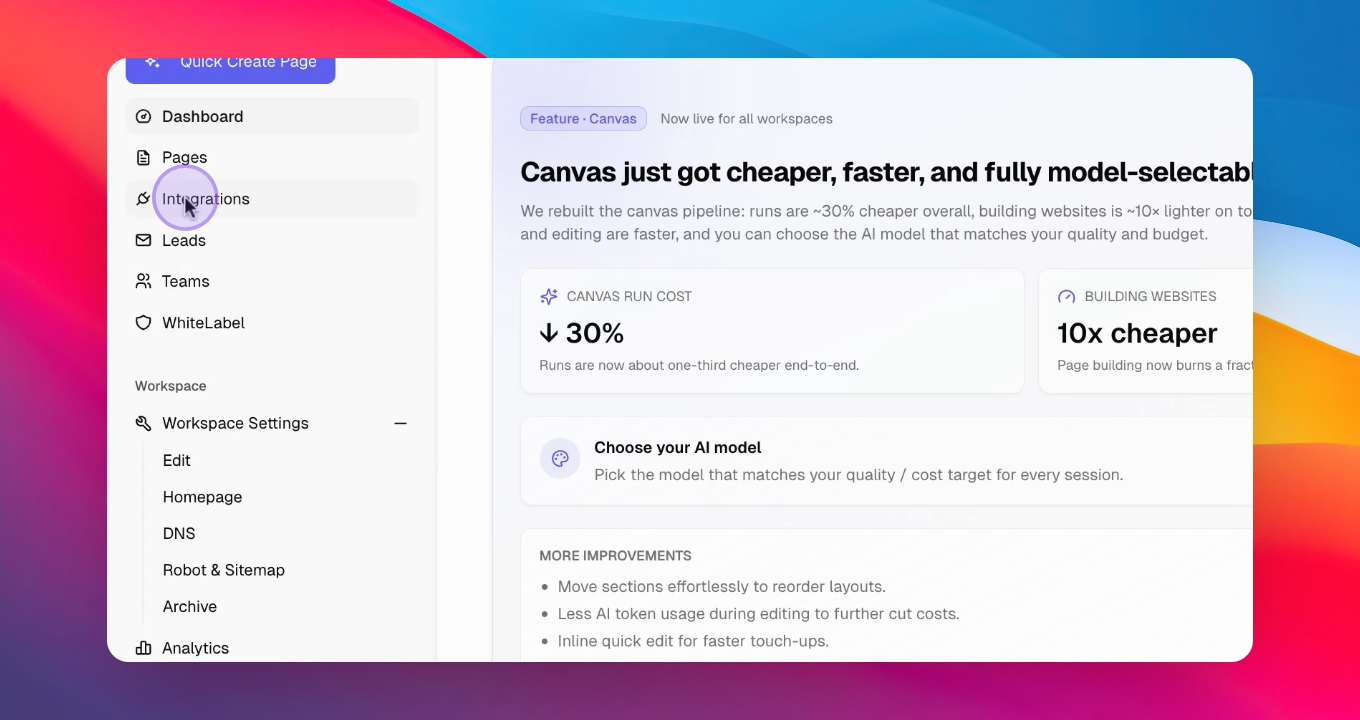
Step 3: Get API Key
Go to Google AI Studio at aistudio.google.com, create a project, and generate an API key.
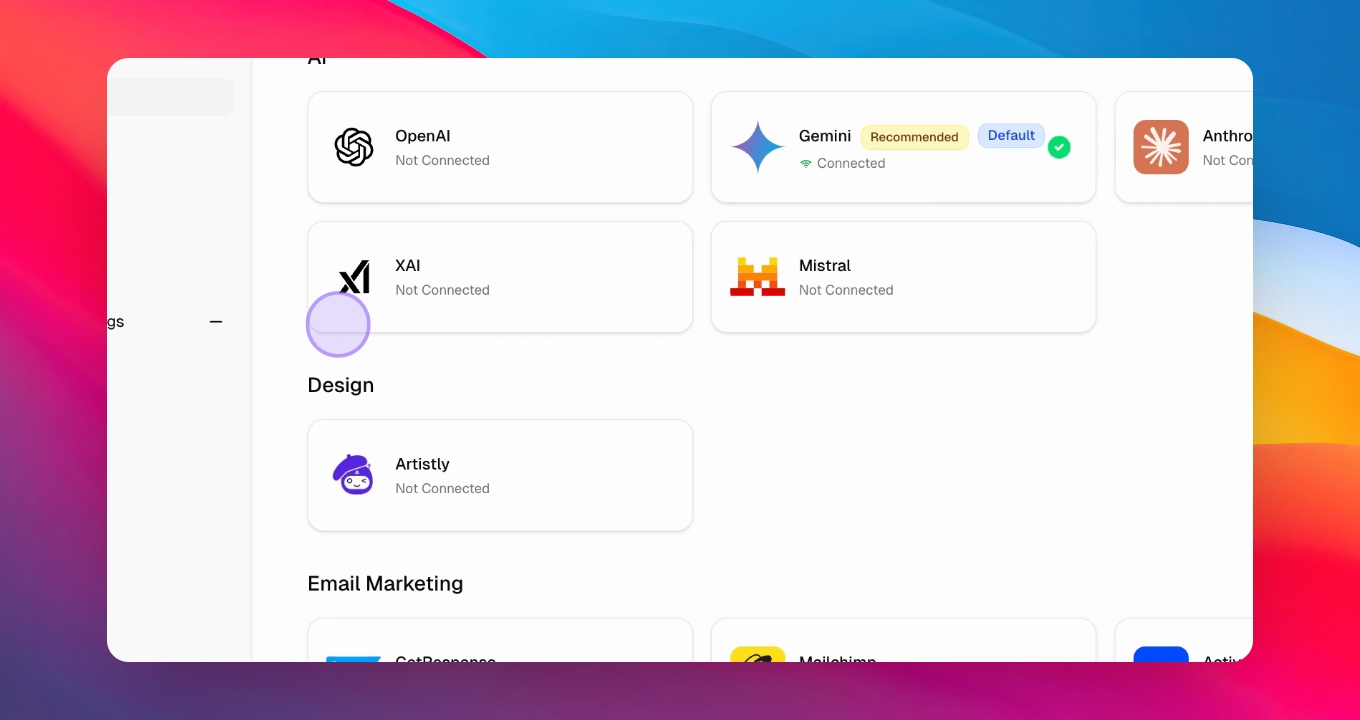
Step 4: Copy API Key
Copy the generated API key and return to the software to paste it in the designated area.
Step 5: Create Websites
Access the creation interface, where you can start building websites using the canvas function.
Step 6: Use Inspirations
Input a URL of a similar website for design inspiration or upload images to guide the creation process.
Step 7: Set Instructions
Provide detailed instructions for the website, including desired features and sections to include.
Step 8: Generate Website
Click Generate to start the website creation process, which may take 1-2 minutes.
Step 9: Customize Website
Once generated, customize the website by modifying text and images as needed.
Step 10: Publish Website
Press Publish to save your changes and obtain the URL to share with the client.