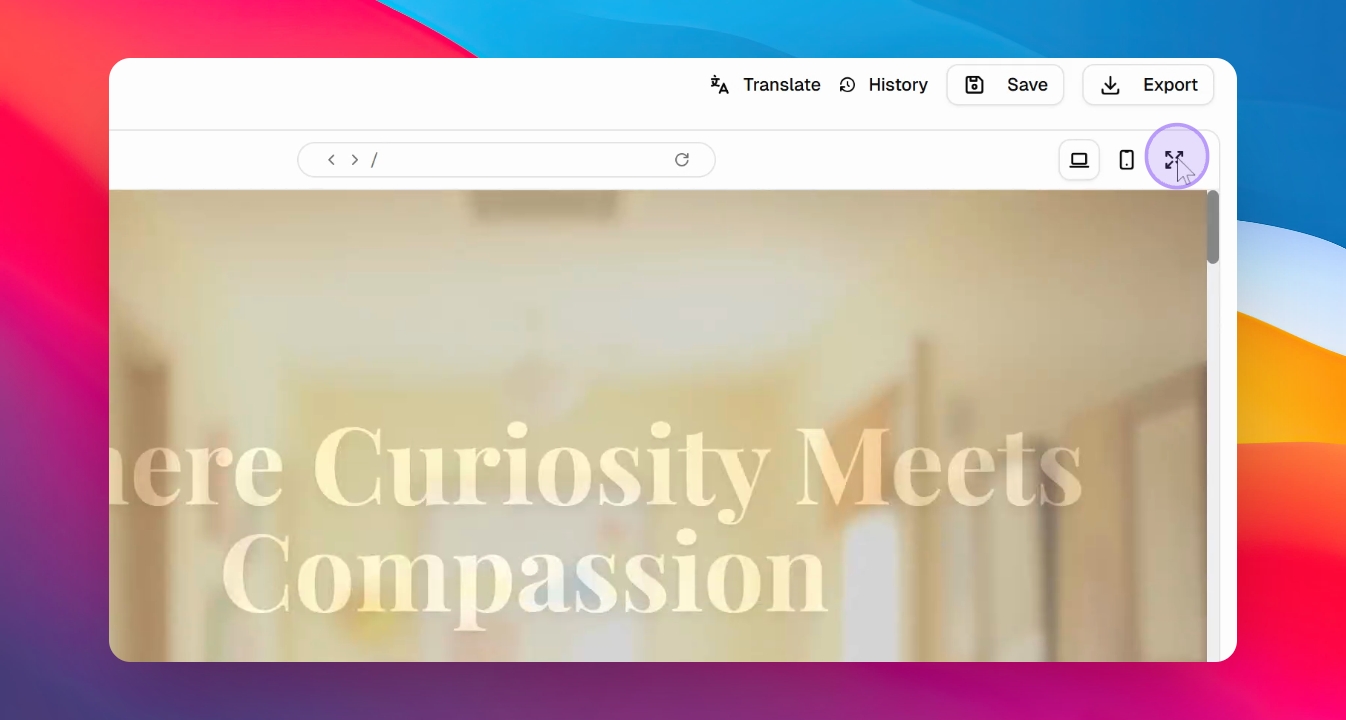

Let's do it together!
Step 1: Access the Builder
Open the invitation link sent to you to access the AI design website builder.
Step 2: Set API Key
In the pop-up, set your API key. Choose Gemini API key if prompted.
Step 3: Get API Key
Visit aistudio.google.com, sign in, and press Get API Key.
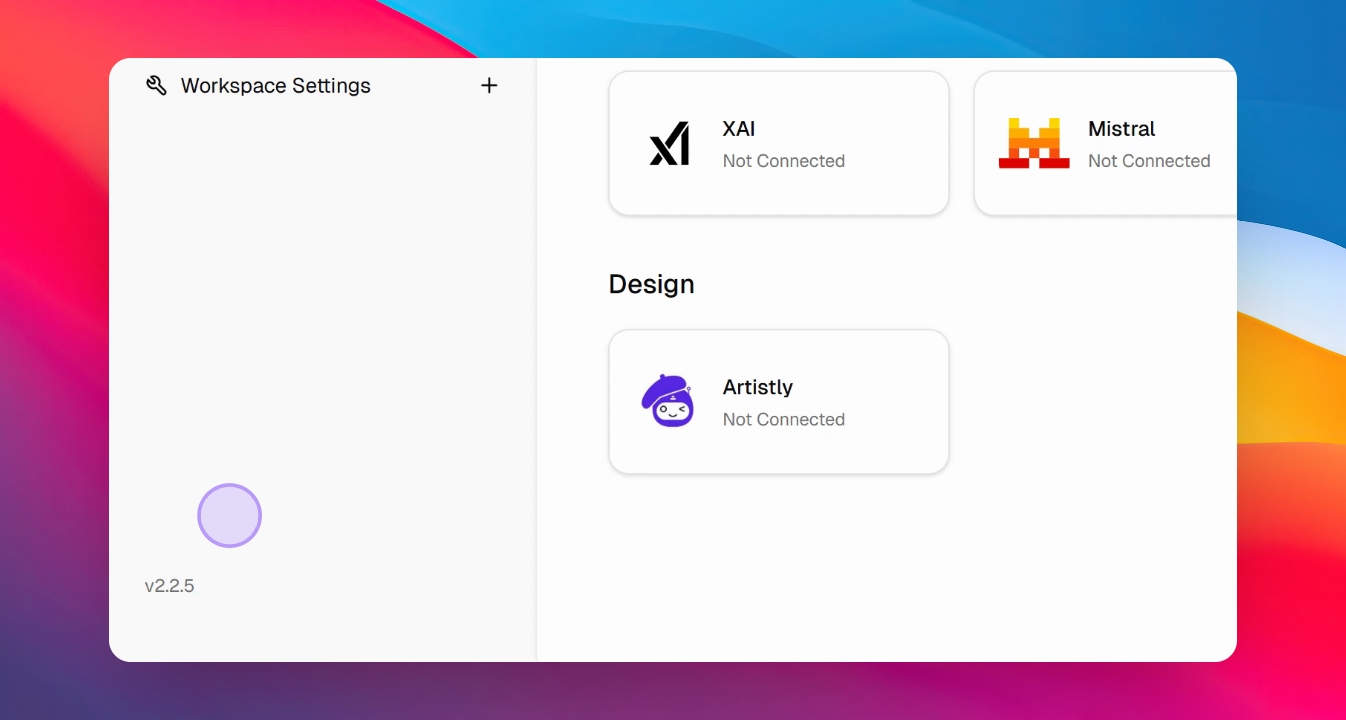
Step 4: Create API Key
Press Create a Key, name it, select a project, and press Create.
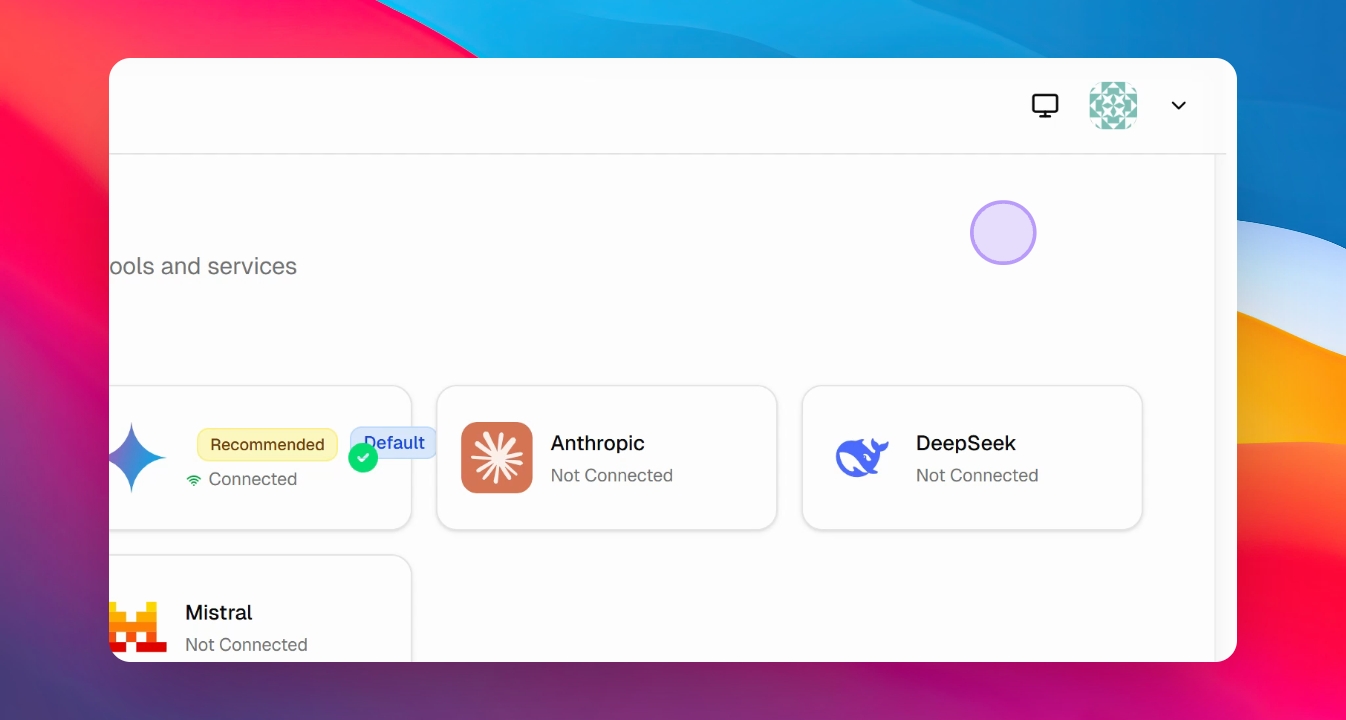
Step 5: Copy API Key
Copy the newly created API key from your dashboard.
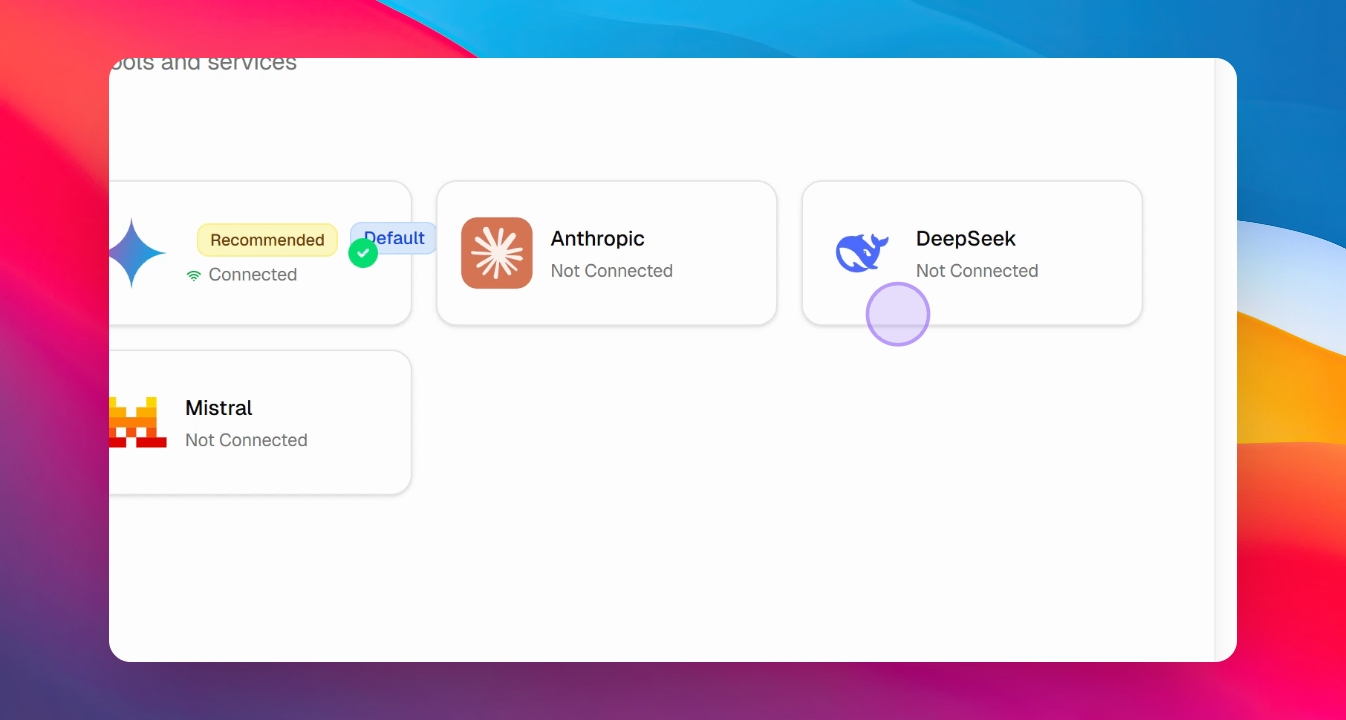
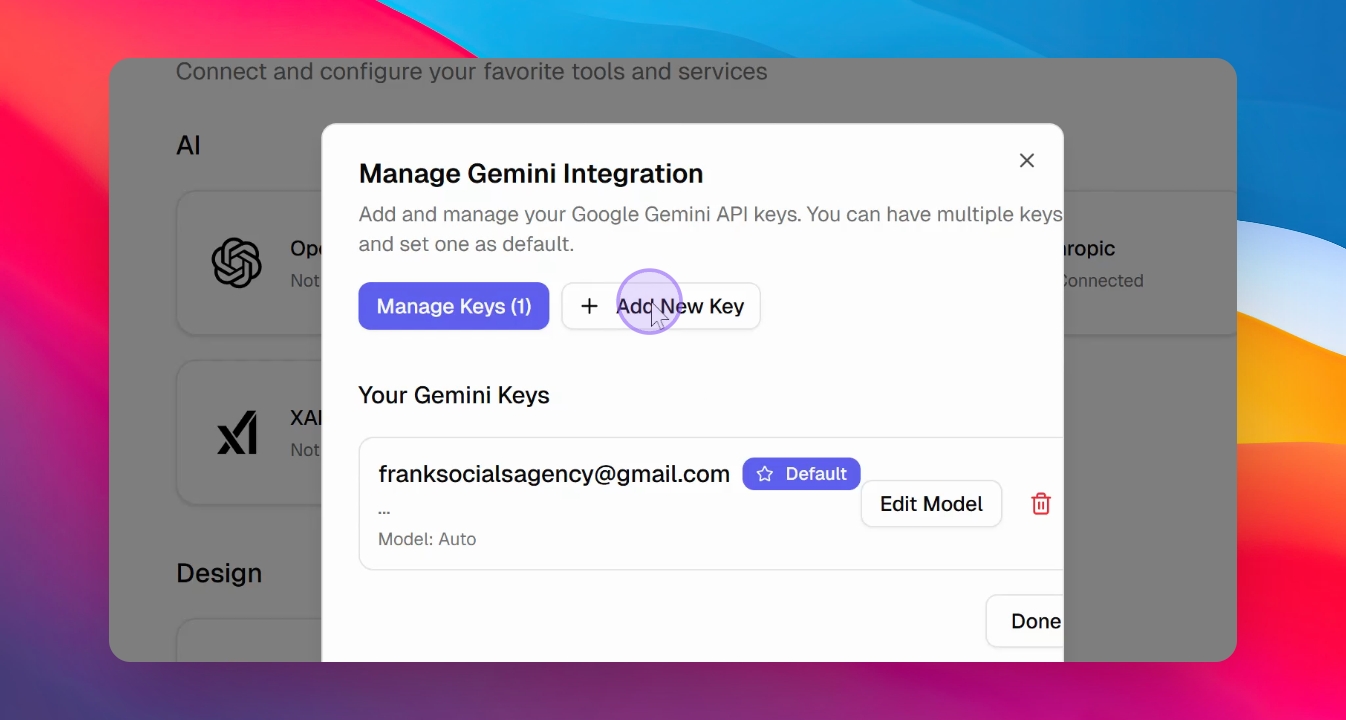
Step 6: Integrate API Key
Paste the API key into the software and press Save.
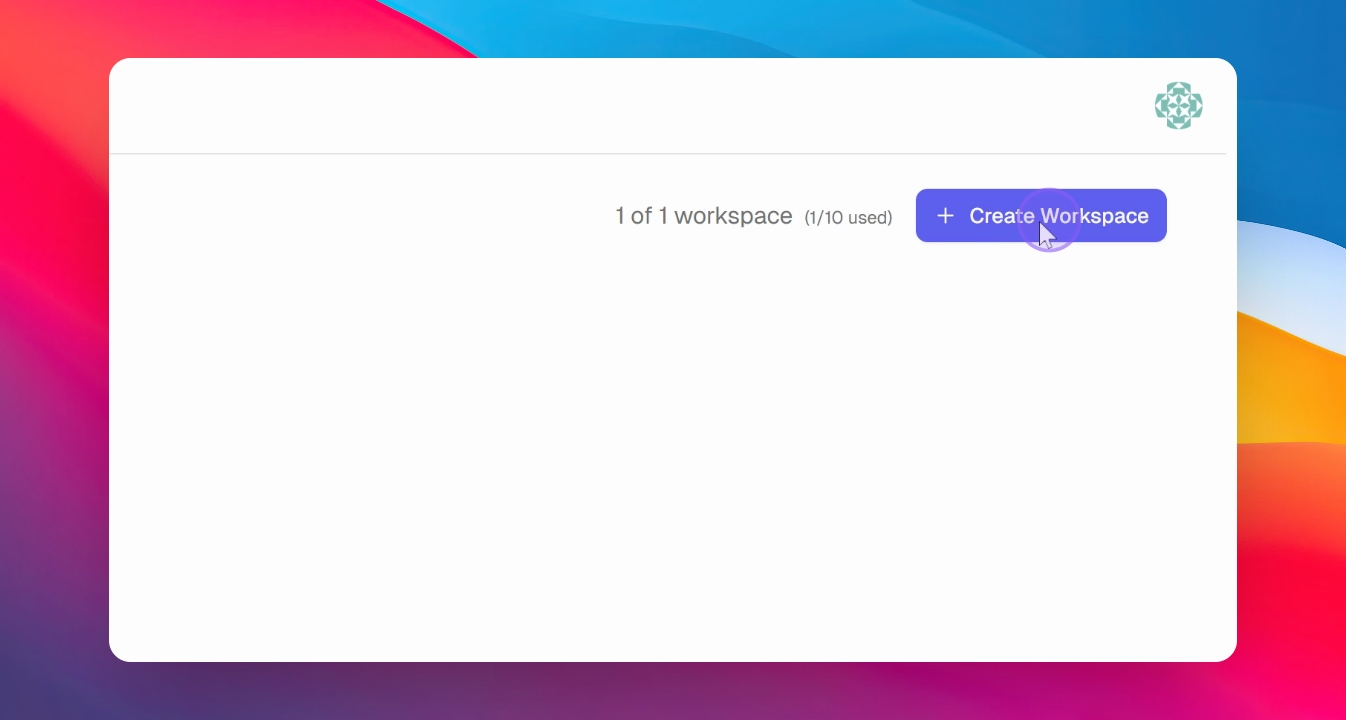
Step 7: Create Workspace
Return to the dashboard and create a workspace by naming it and selecting your domain.
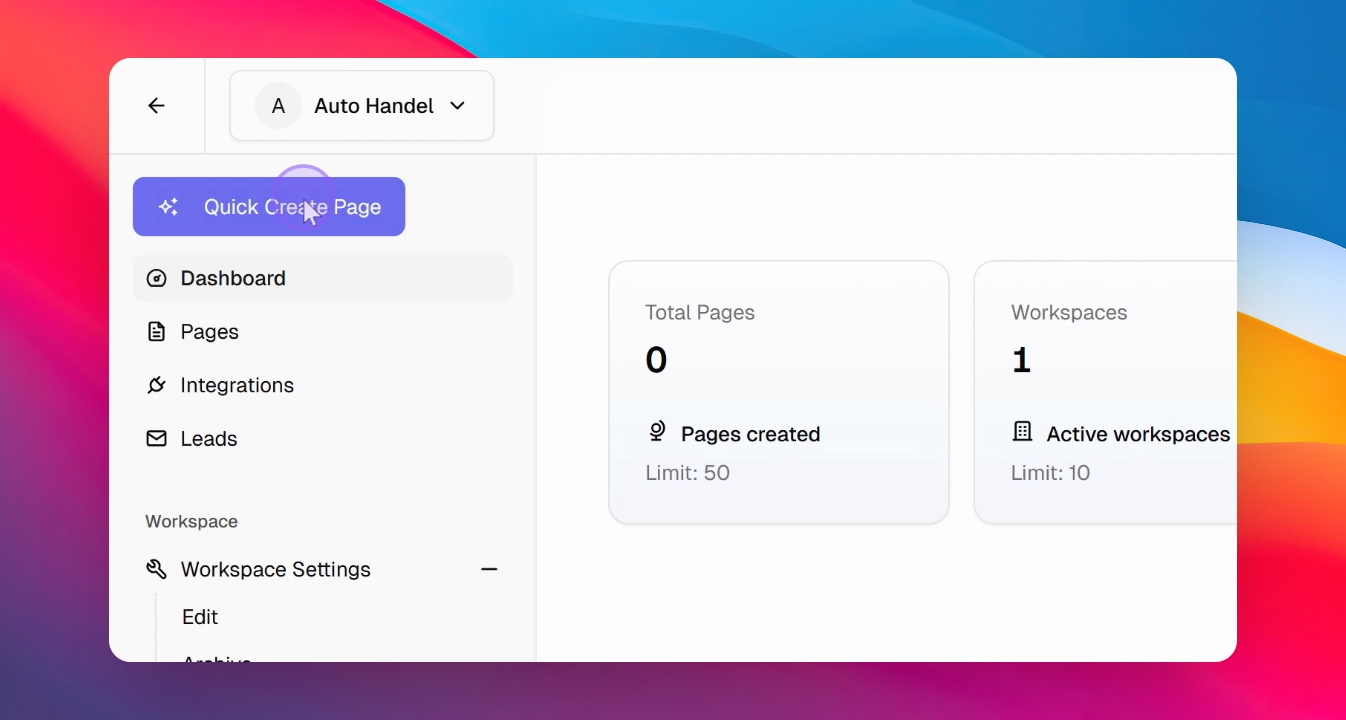
Step 8: Start Building
In the dashboard, press Quick Website Create to start creating a website.
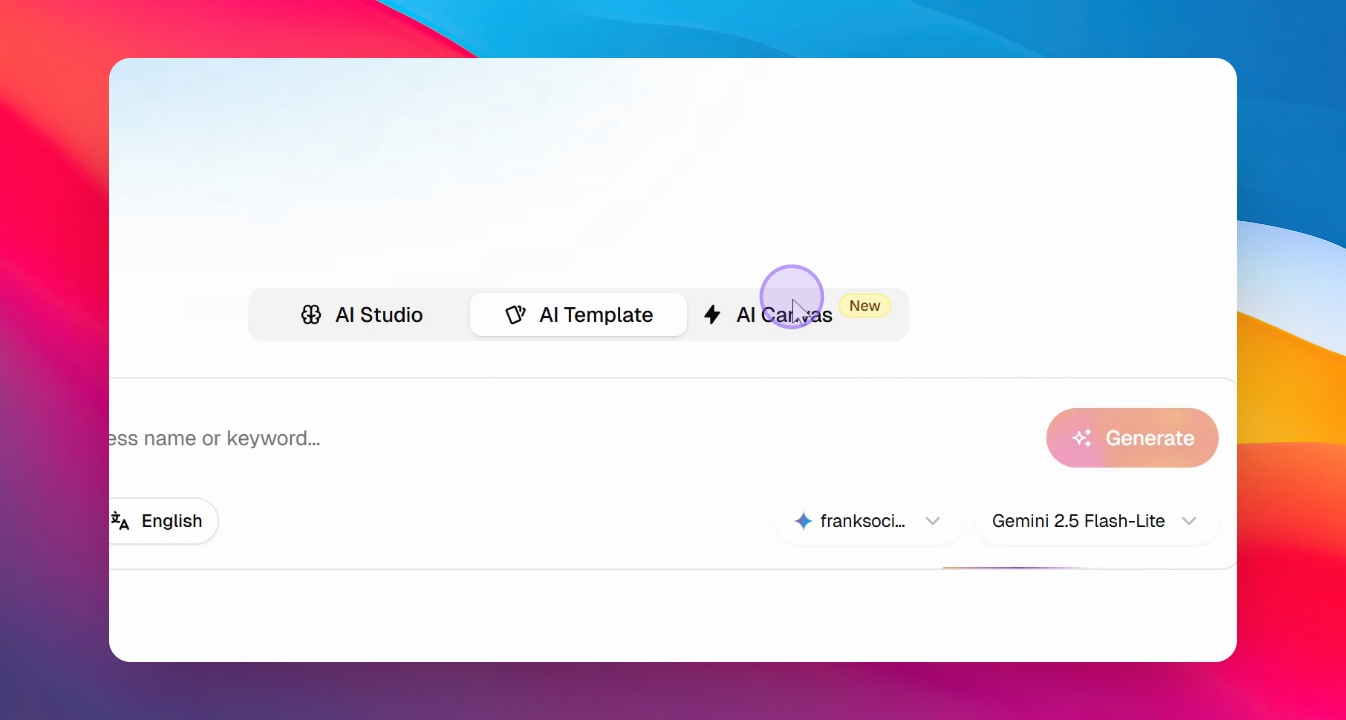
Step 9: Choose Template
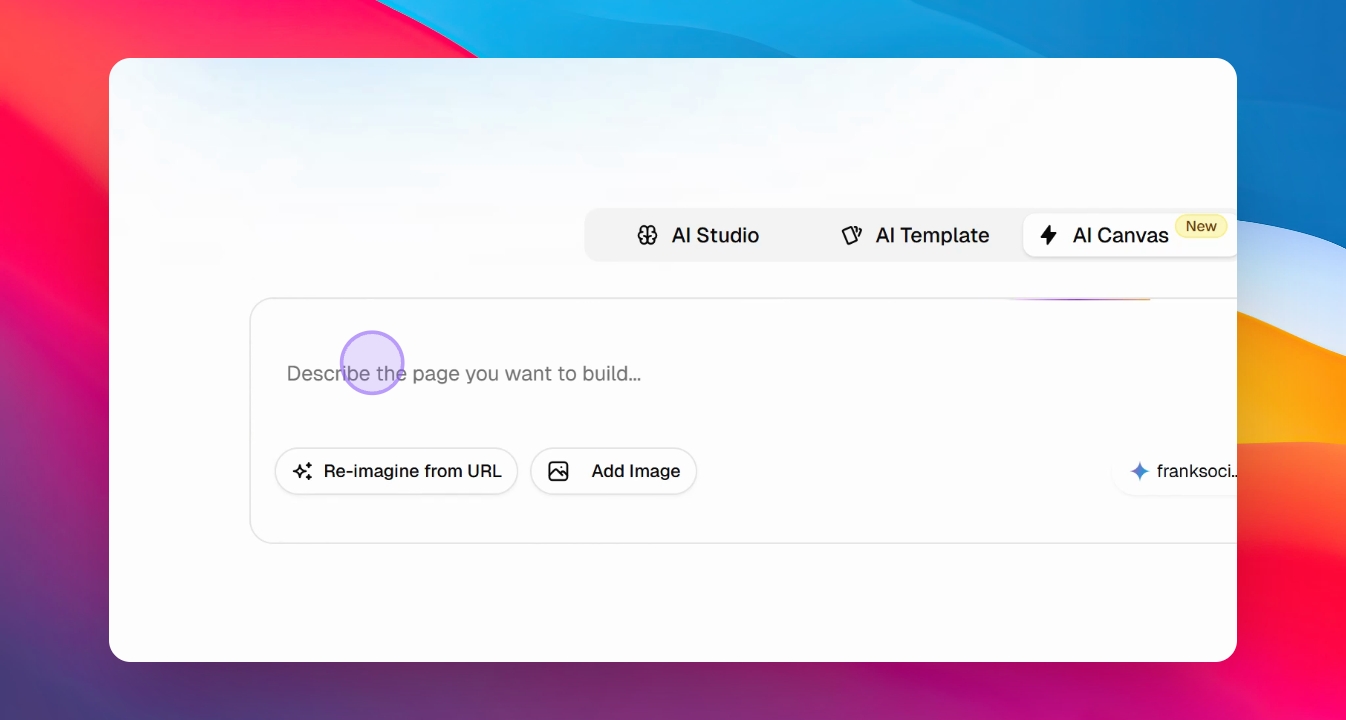
Select AI Canvas to build a website or choose a template.
Step 10: Generate Website
Provide a URL for inspiration or instruct the AI to build a website.
Step 11: Wait for Generation
Allow the AI some time to generate the website, which includes all necessary content.
Step 12: Save and Share
Save the generated website and copy the link to share with prospects.