

In this video, I will show you how to use my lead finder and enrichment software to find leads for your agency. Let's look at the steps:
Step 1: Sign Up
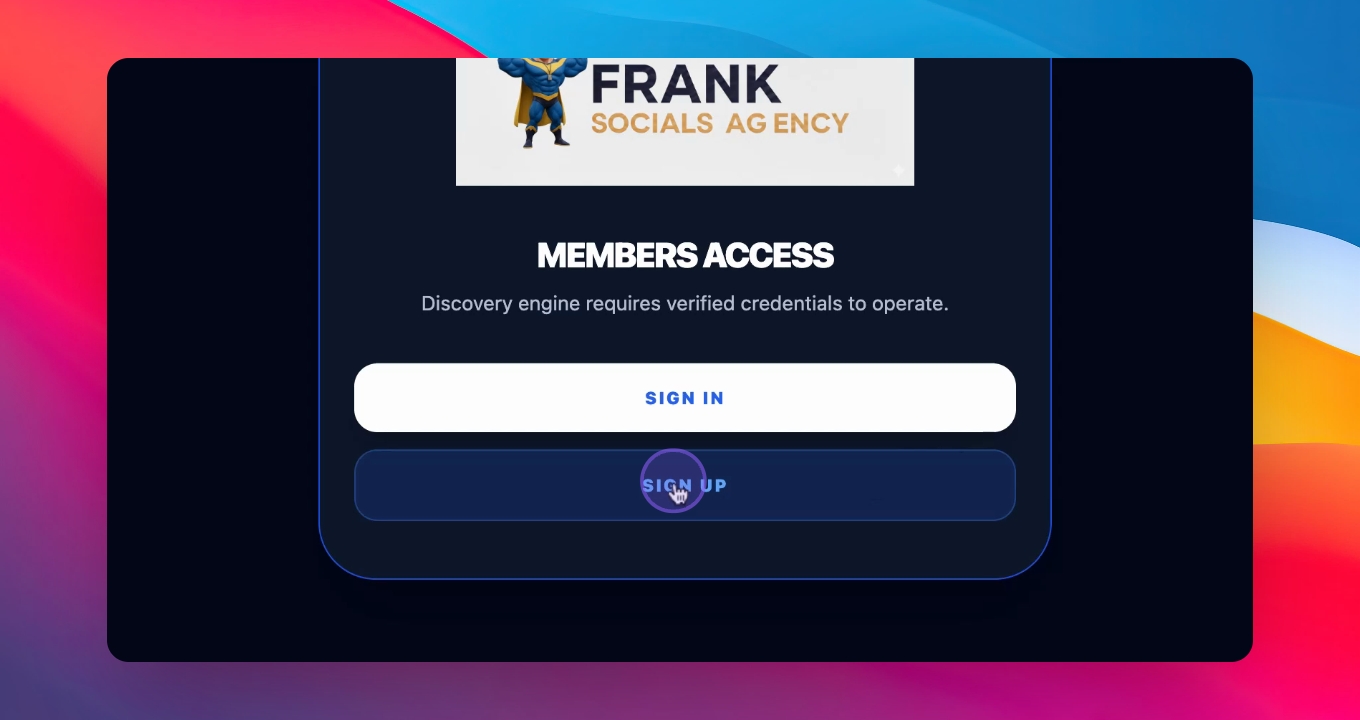
Press the sign up button which will take you to a box. Use the email you want to log in with and sign up.
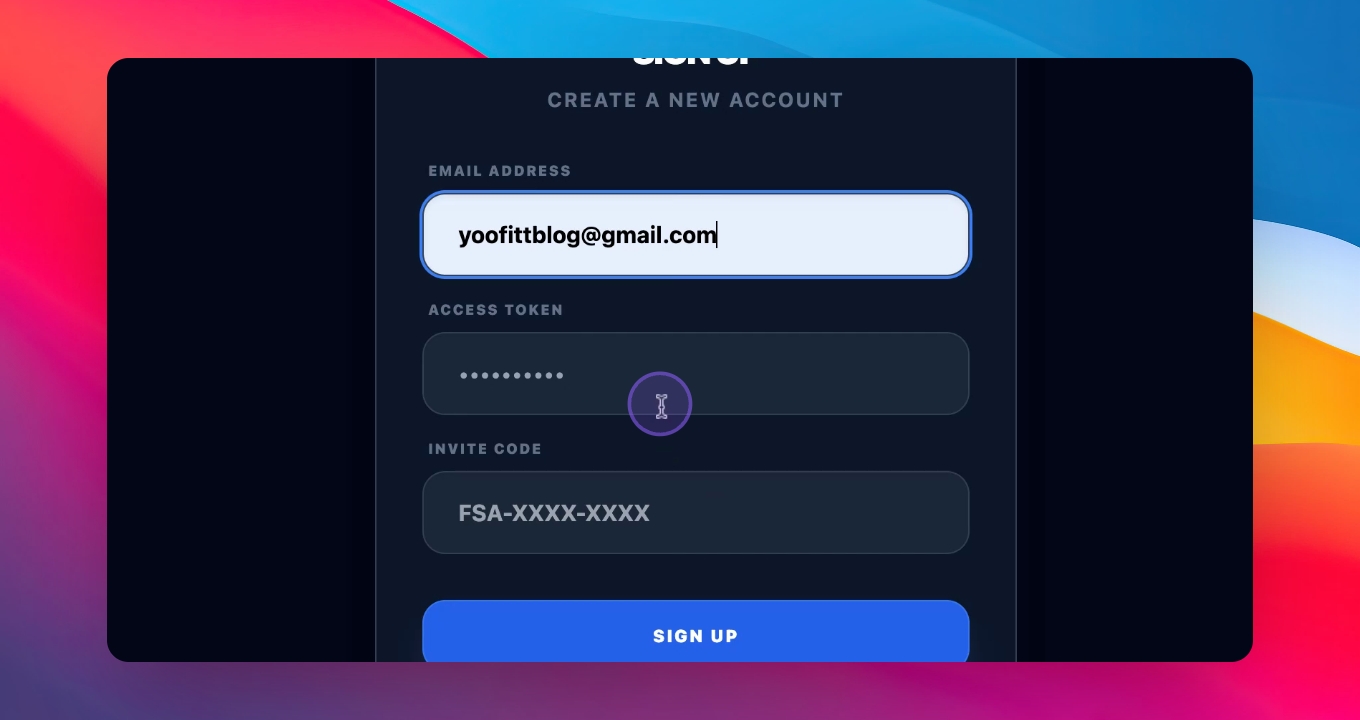
Provide a secure password that you will remember. Then enter the invite code I will send to you and press sign up to complete your registration.
Step 2: Start Searching
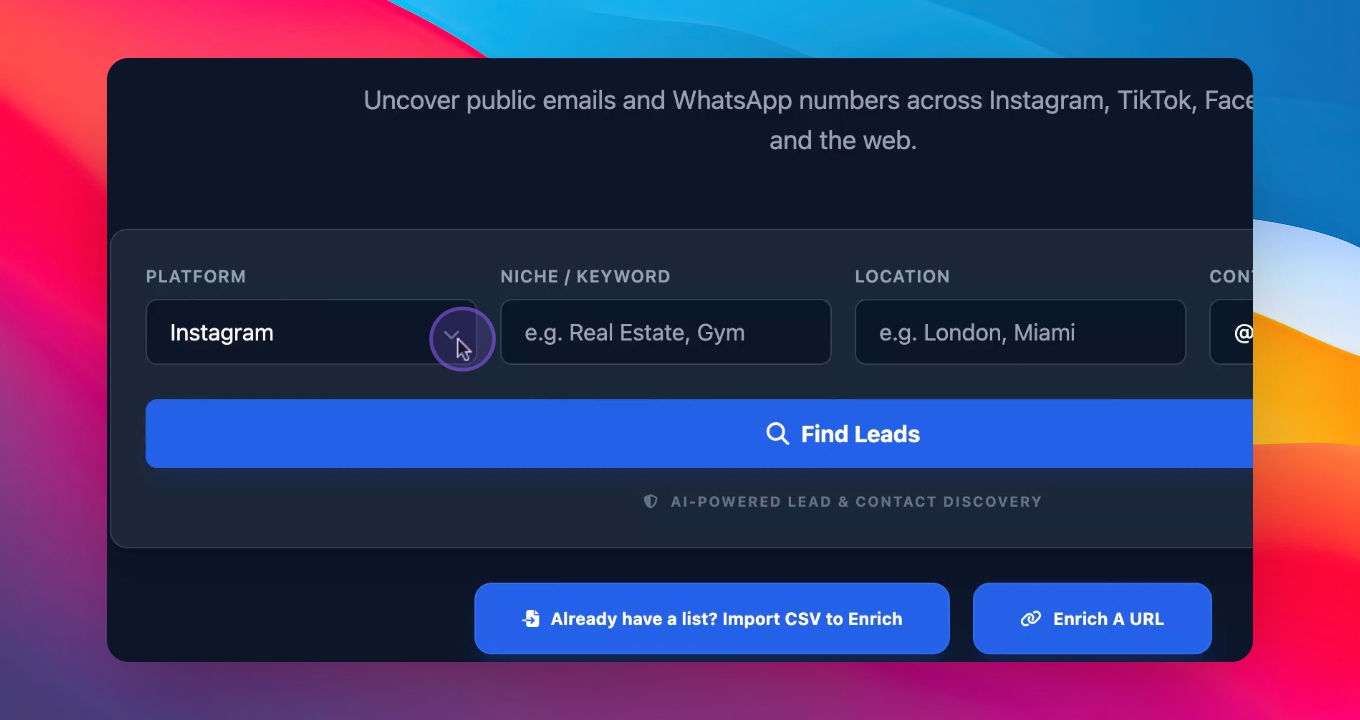
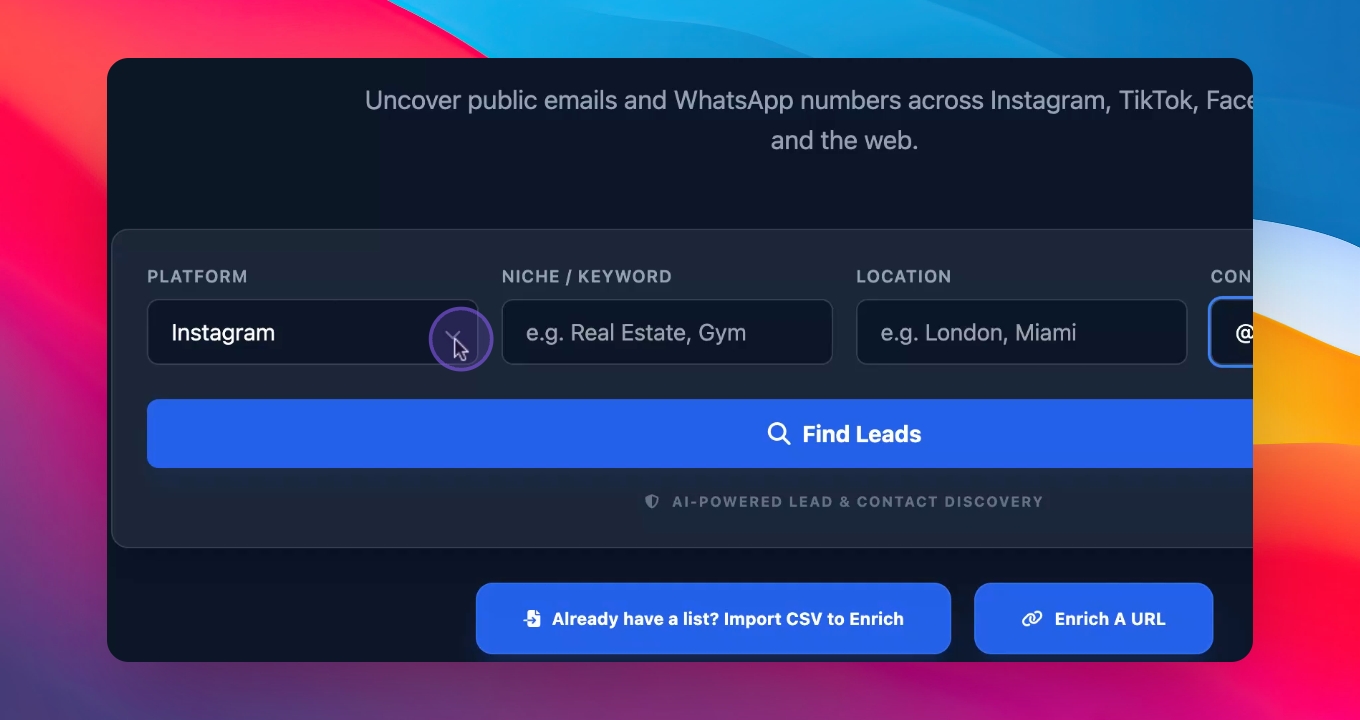
Once signed up, you will see a window with four different platforms to find leads: Instagram, TikTok, Facebook, and Google.
Step 3: Enter Your Niche
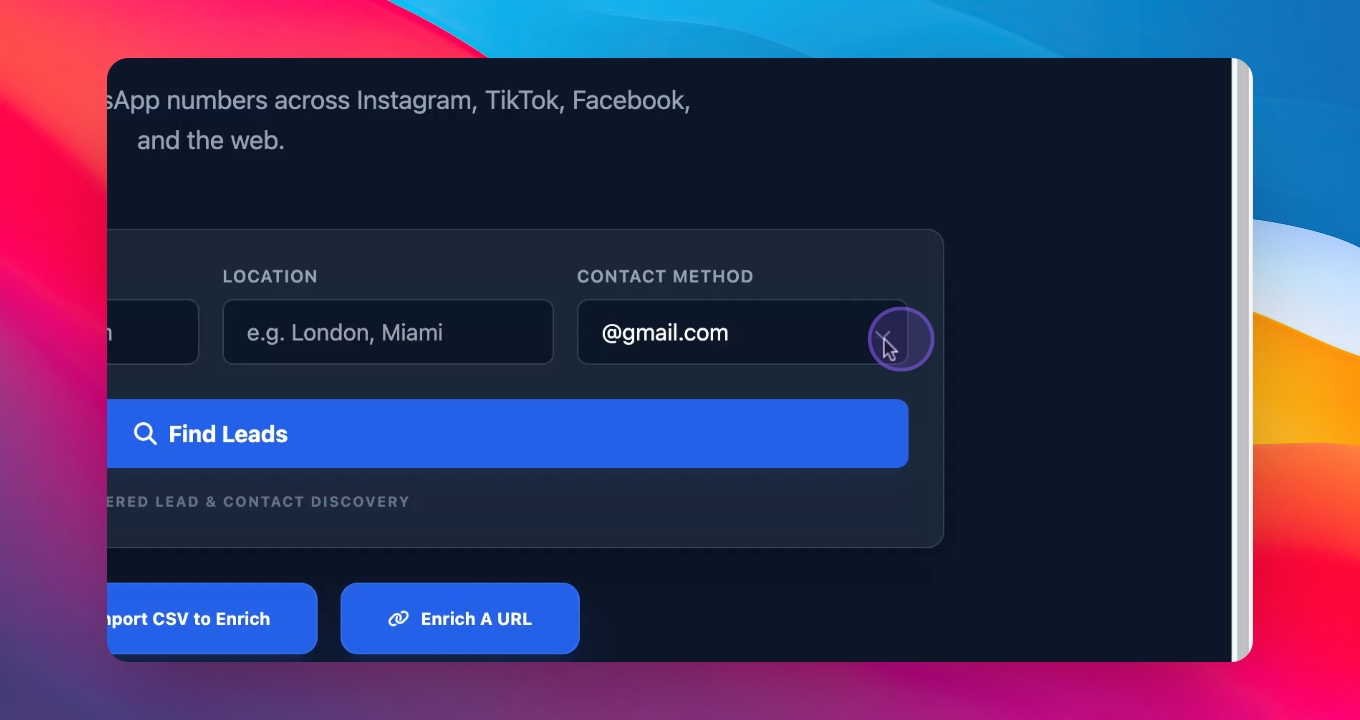
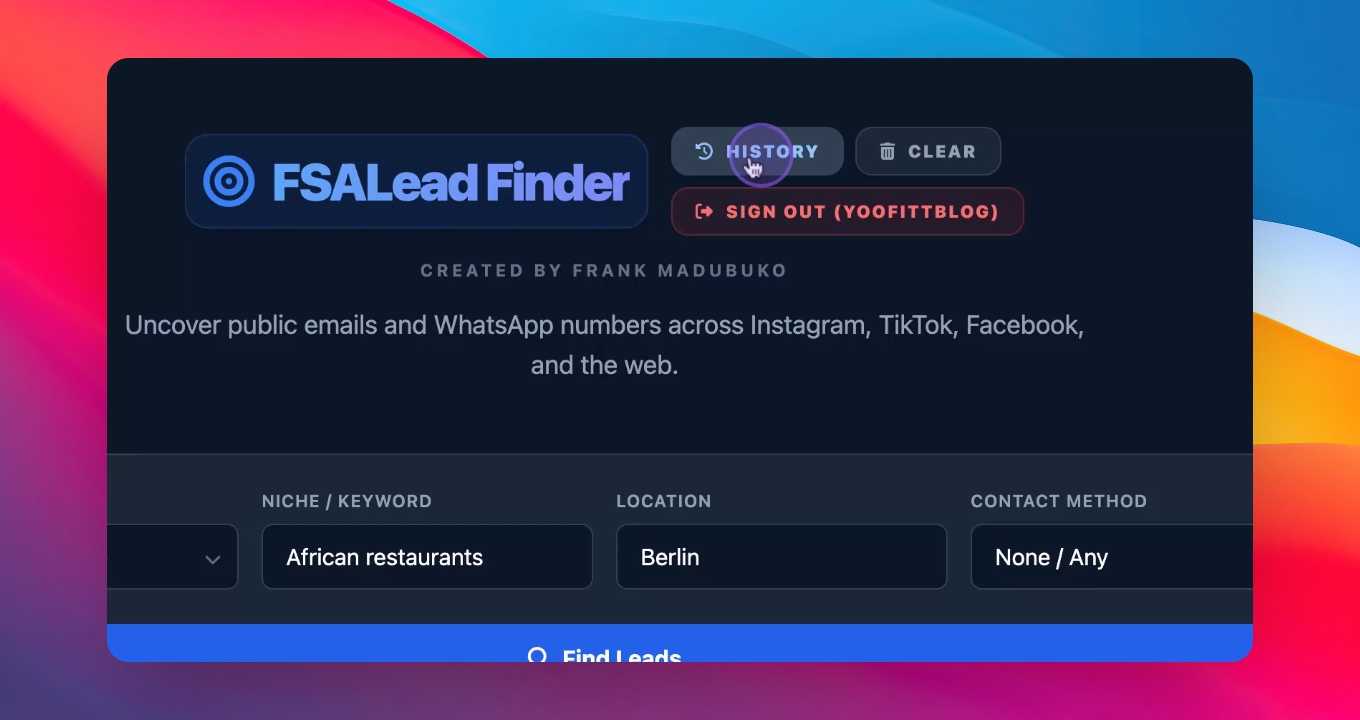
Input your niche, such as African restaurants in Berlin, and select the types of details you want to search for, like WhatsApp numbers or emails.
Step 4: Find Leads
Click find leads to search for available details of African restaurants in Berlin. The software will find the first 50 results.
Step 5: Enrich Leads
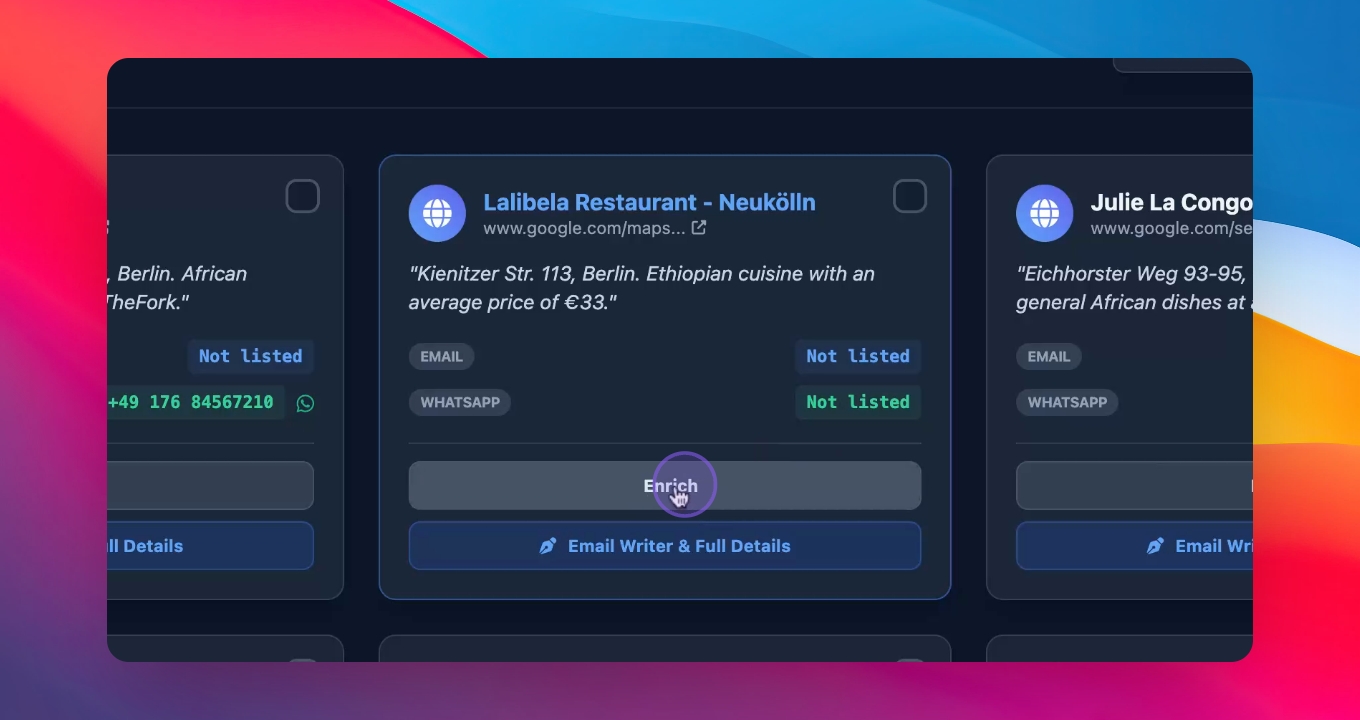
To enhance your leads, press the enrich button for more detailed information about a specific restaurant.
Step 6: Write Emails
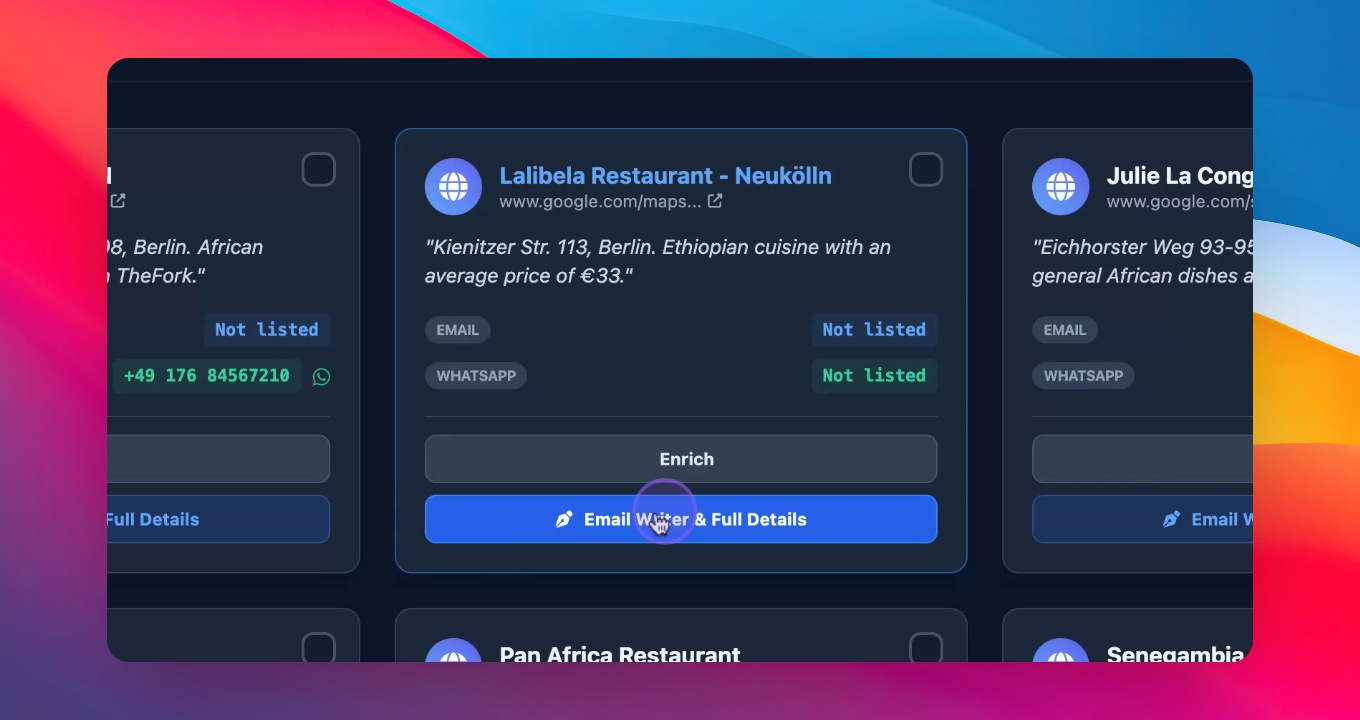
Press the write email button to draft emails to your leads. You can customize the message for each restaurant.
Step 7: Import CSV Files
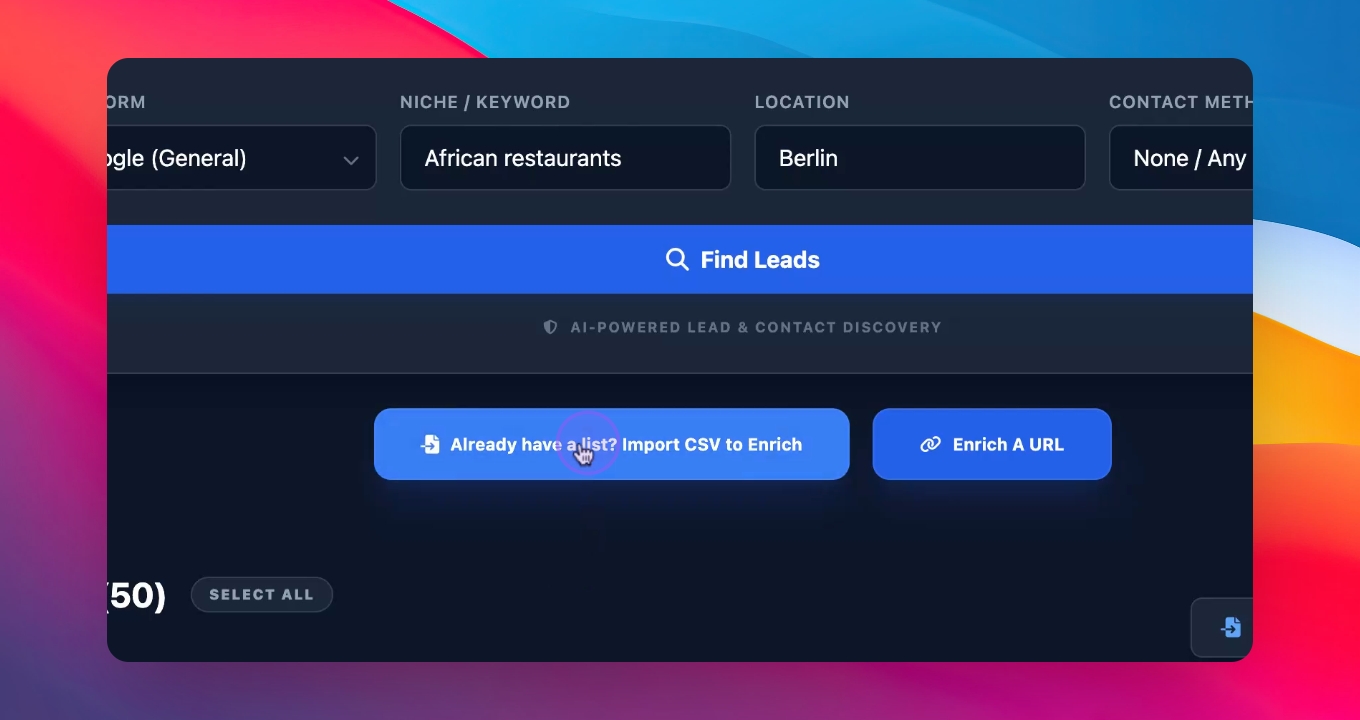
If you have saved searches as a CSV file, you can import them instead of searching again. This helps you manage your leads efficiently.
Step 8: Access History
Use the history button to view all generated leads and save them in a CSV file for future use.
This concludes the quick demo about the lead finder software. If you have any questions, feel free to reach out.